IRONLIFT
The lifting log that grades you.
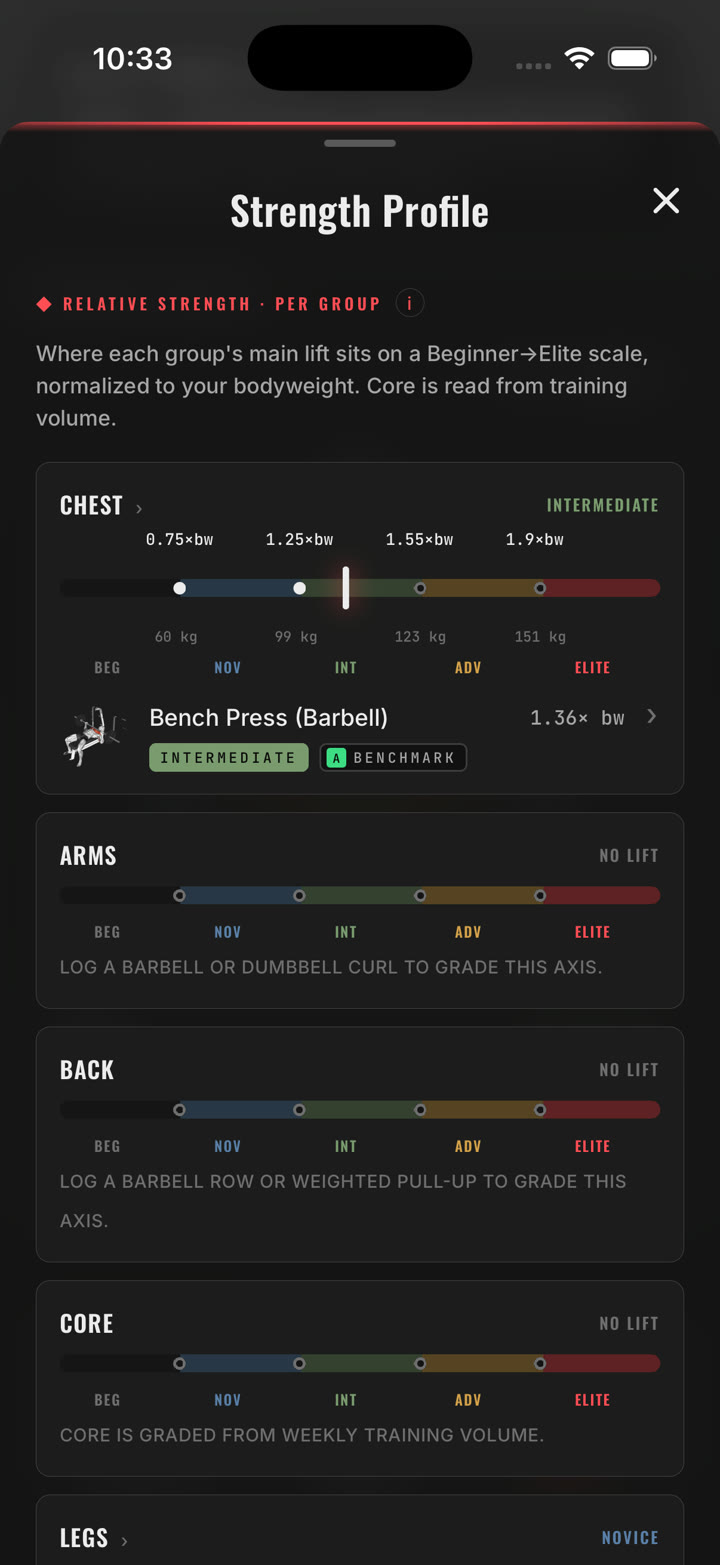
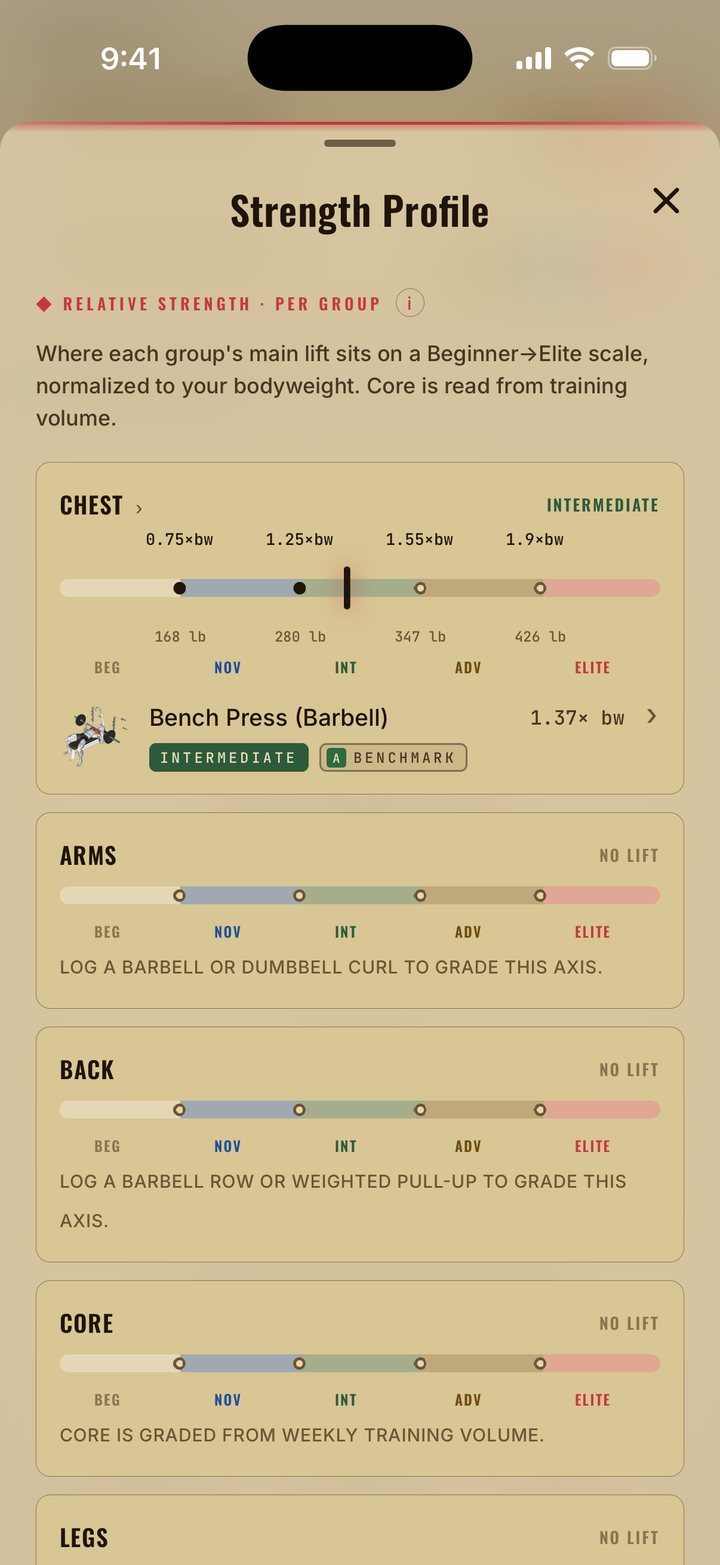
Log every set. See where each muscle group stands on a Beginner → Elite scale, normalized to your bodyweight. Get a coach that reads your numbers, not a template. Then climb the season.
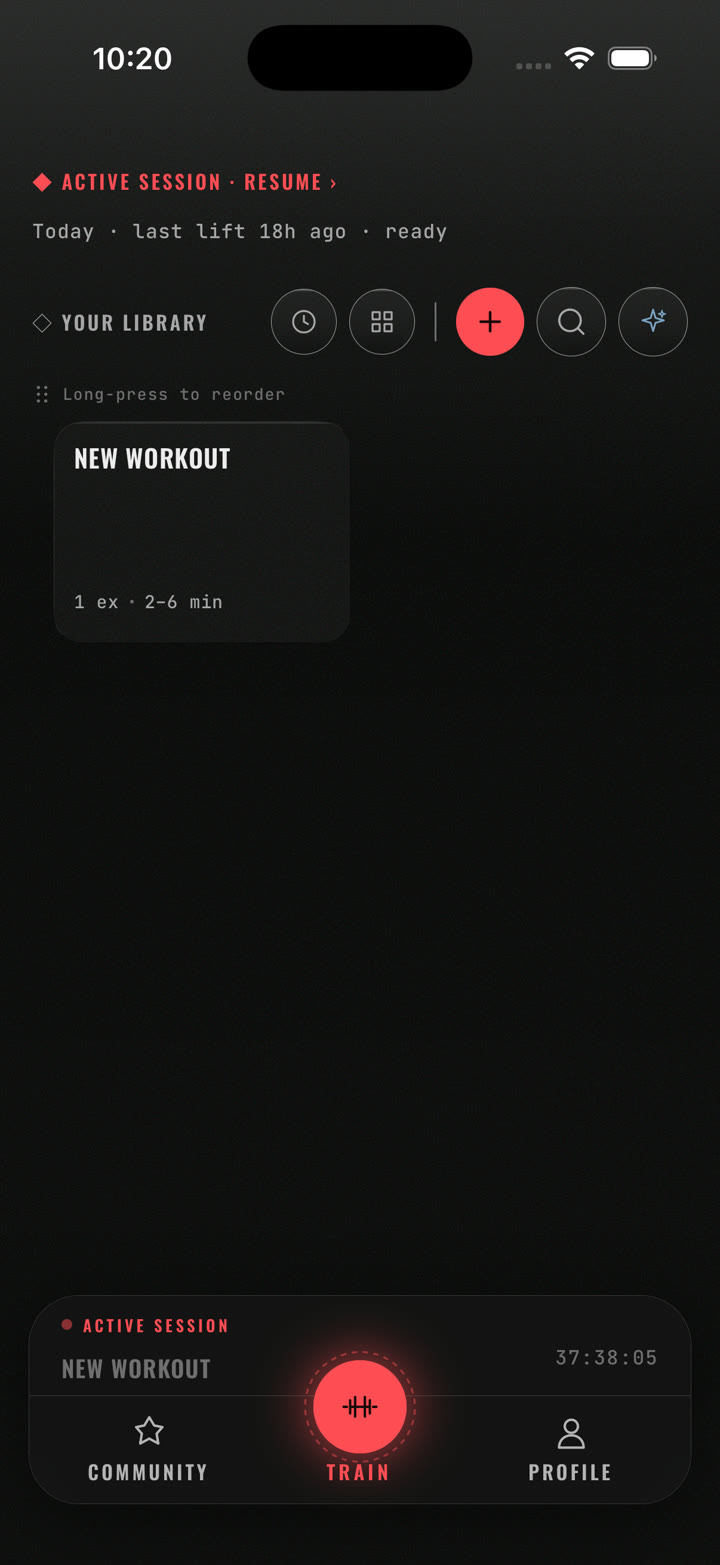
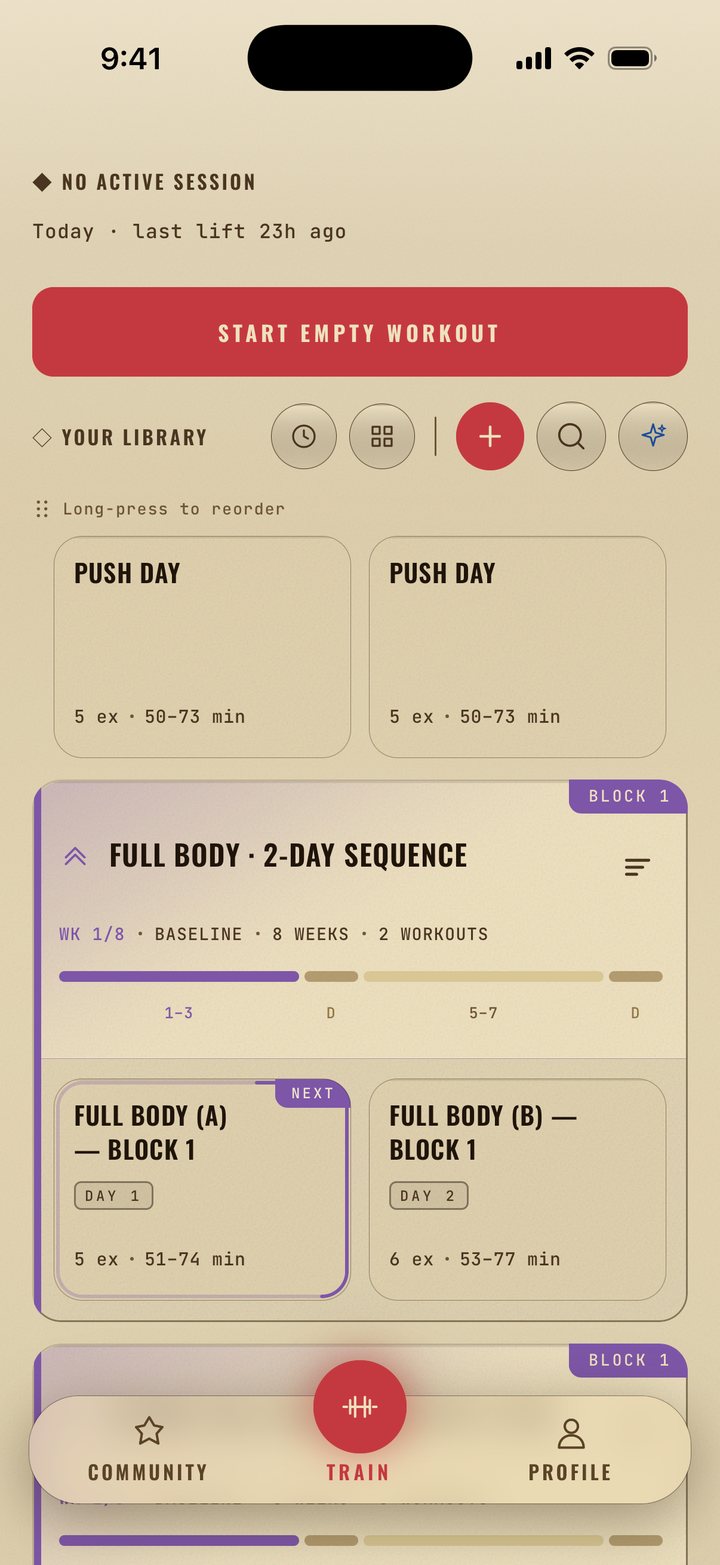
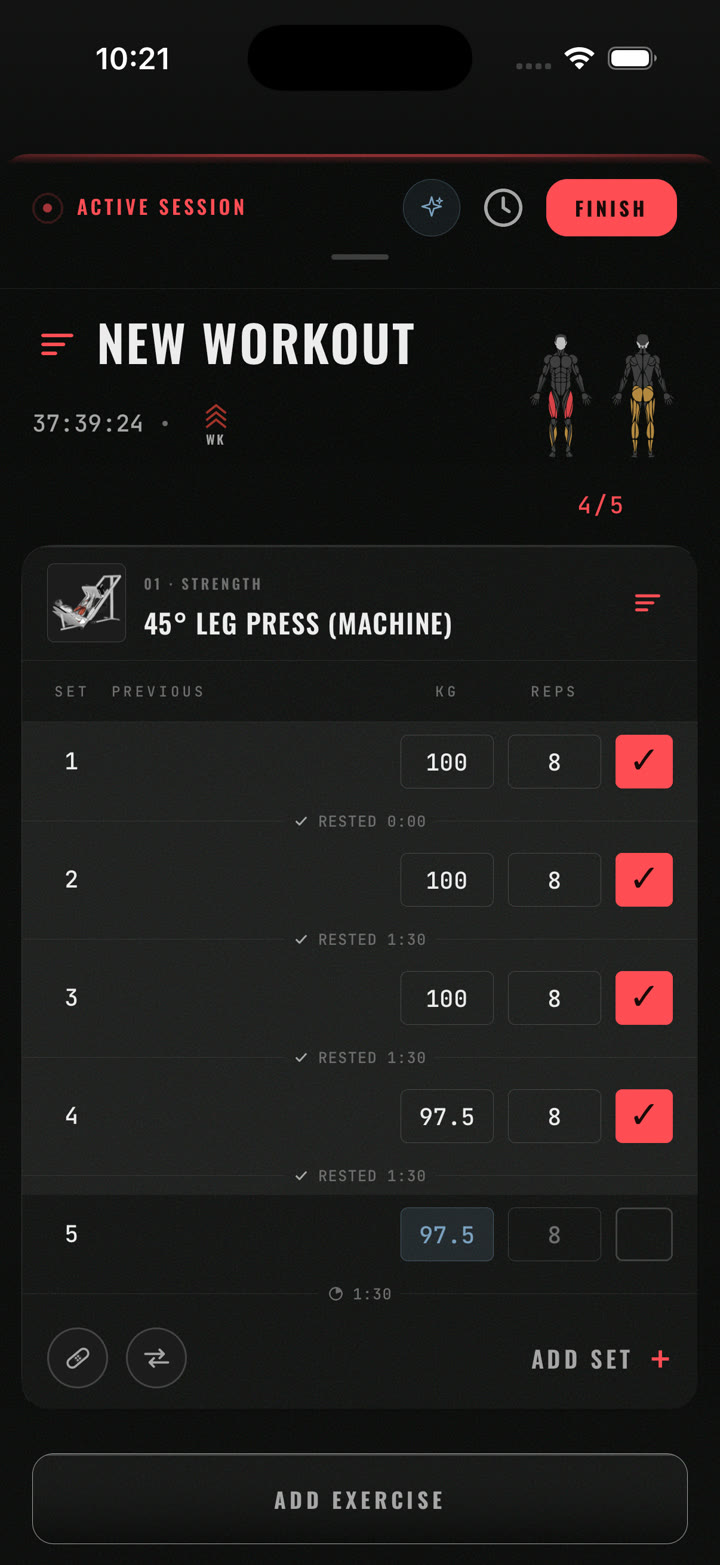
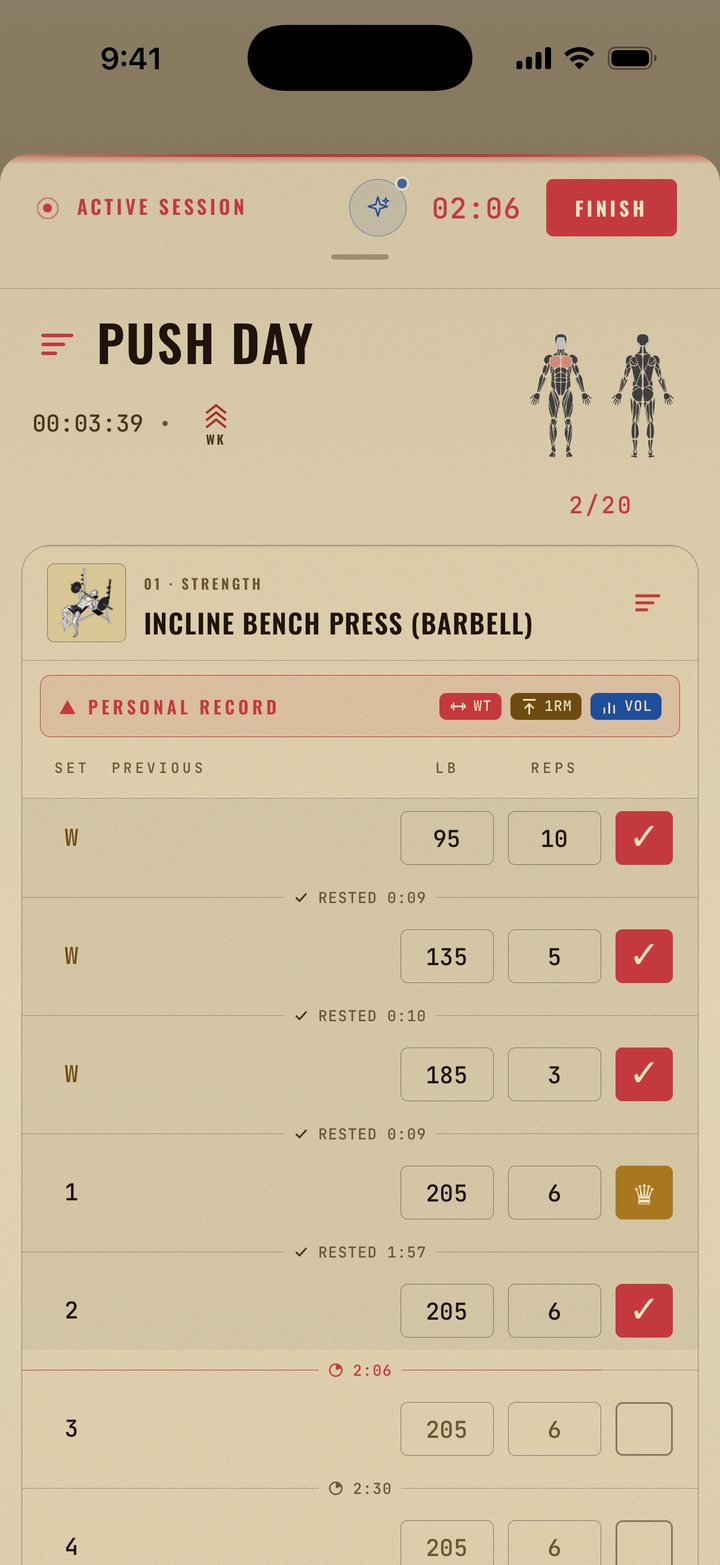
Log sets the way you lift them
Your previous numbers sit next to every set. Check a set, the rest timer starts on its own, and the rest you actually took is written into the log.
The rest starts itself. Tick a set and the countdown runs, in the header and in place between the sets, so the next set is never more than a glance away. The rest you actually took is written into the log.
Five rest defaults. Warm-up 45 s, working 1:30, drop 1:00, failure 3:00, and superset 1:00 out of the box. Change any of them, or override per exercise.
On the lock screen and in the Dynamic Island. A Live Activity runs for the whole session. During a rest: −15 s, +15 s and Skip rest. Between sets: nudge the weight and reps, then Complete set. At the end: Finish. The phone stays in your pocket.
Four set types. Warm-up, working, drop and failure, each colour-coded with its own rest. Supersets group exercises together, with a rest default of their own.
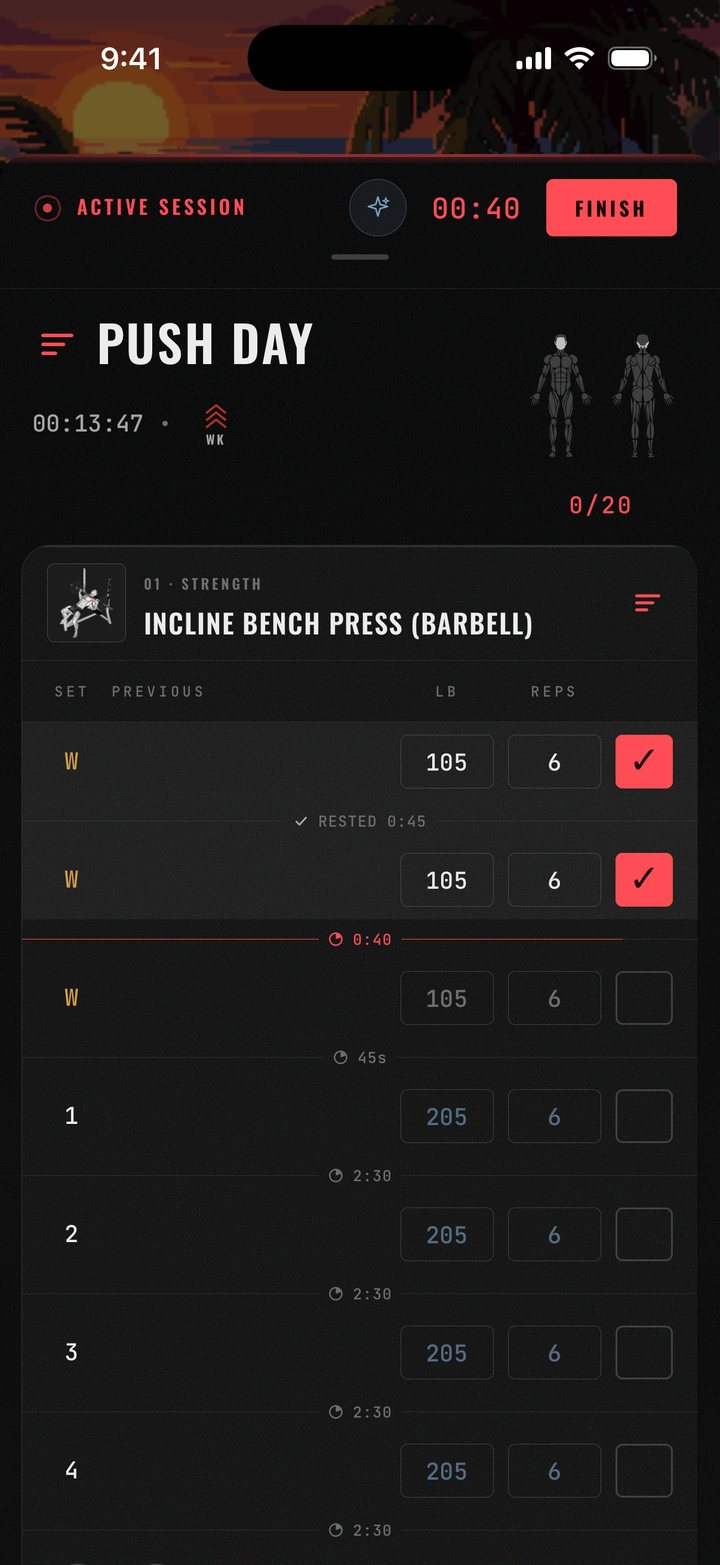
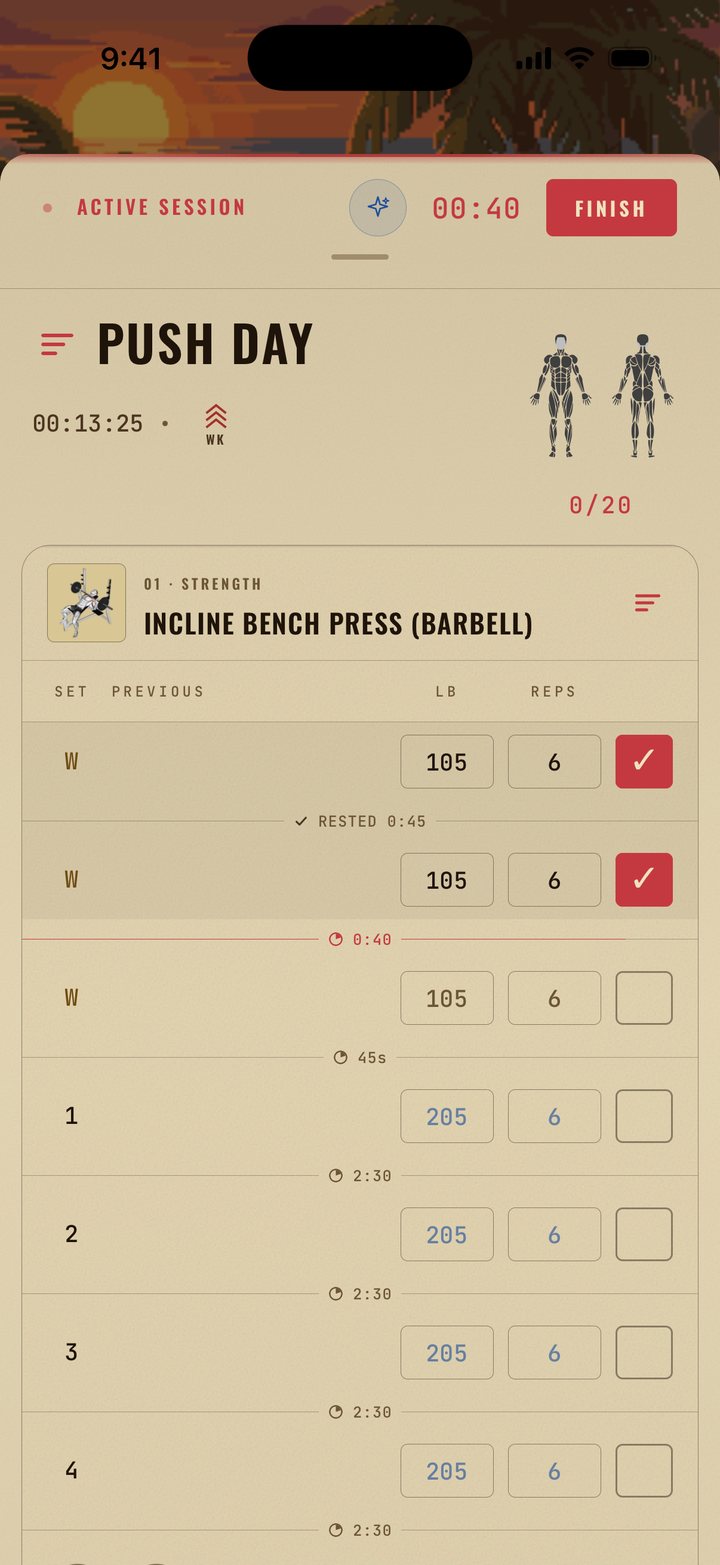
Real screen · resting between sets
Every set, read back to you
IronLift turns your log into answers: where your week stands, which lifts are climbing, what each muscle has recovered from. Three of them, as the app shows them:
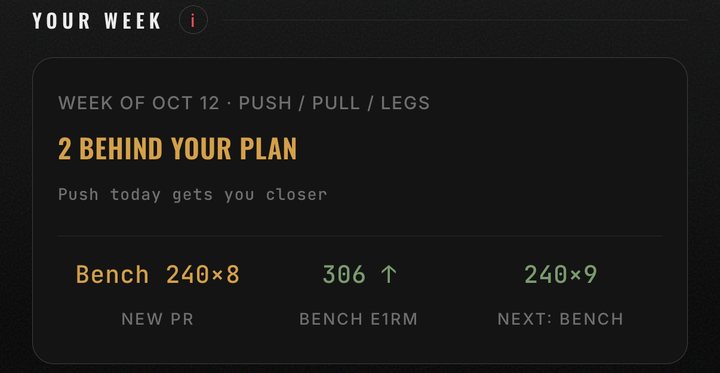
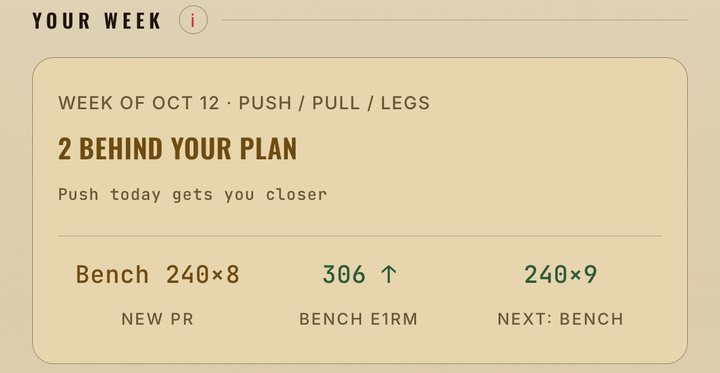
Your week. Sessions done against your plan, the PR you just set, the lift that's climbing, and what the next session asks for.
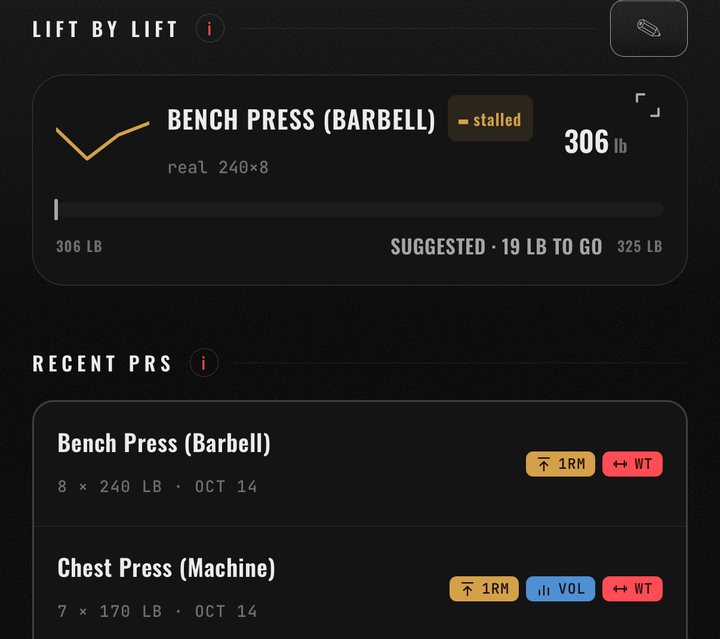
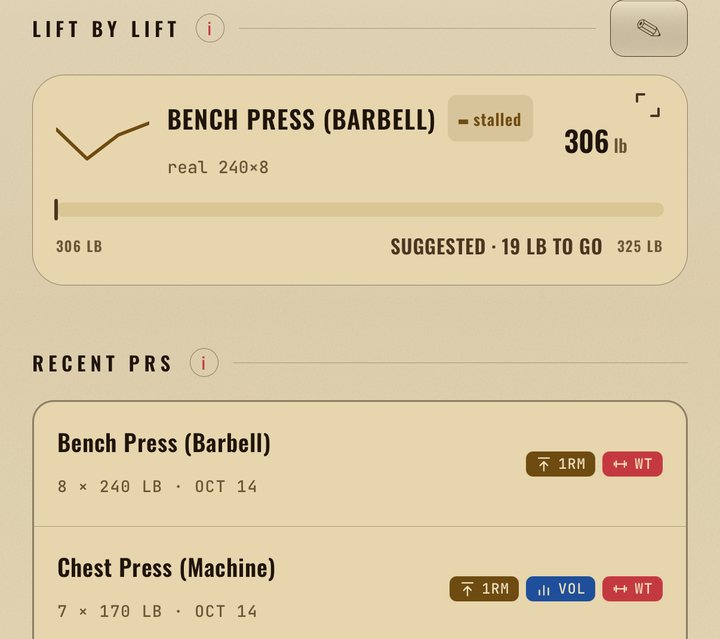
Lift by lift. The e1RM trend for the lifts you track, whether each is rising or stalled, and every PR tagged by kind.
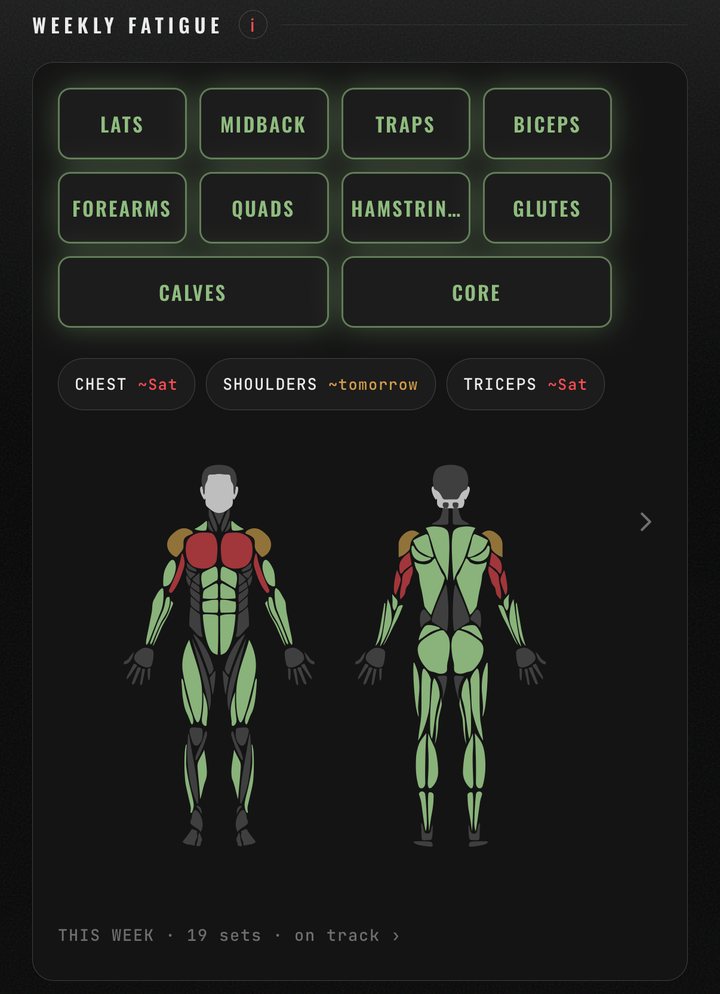
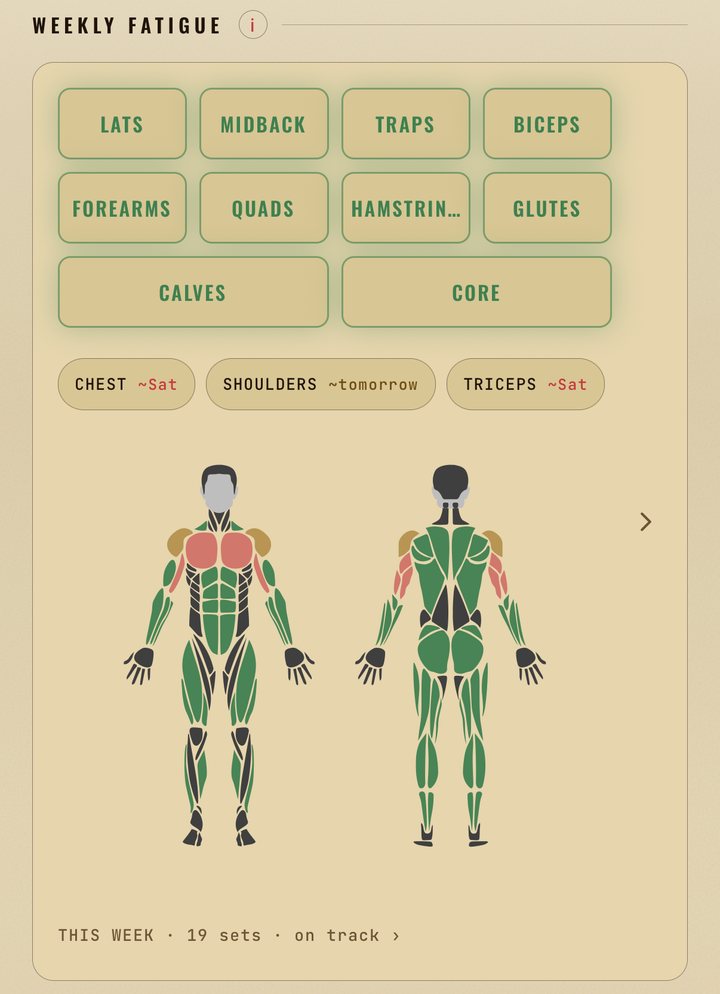
Weekly fatigue. A muscle map of what you've trained, and when each group will be recovered.
A coach that reads your log
Ask it about a lift and it answers from your log, not a template: here it reads three weeks of bench and finds a breakthrough, not a plateau. Ask for a program and you get one built around your days, your equipment and what hurts.
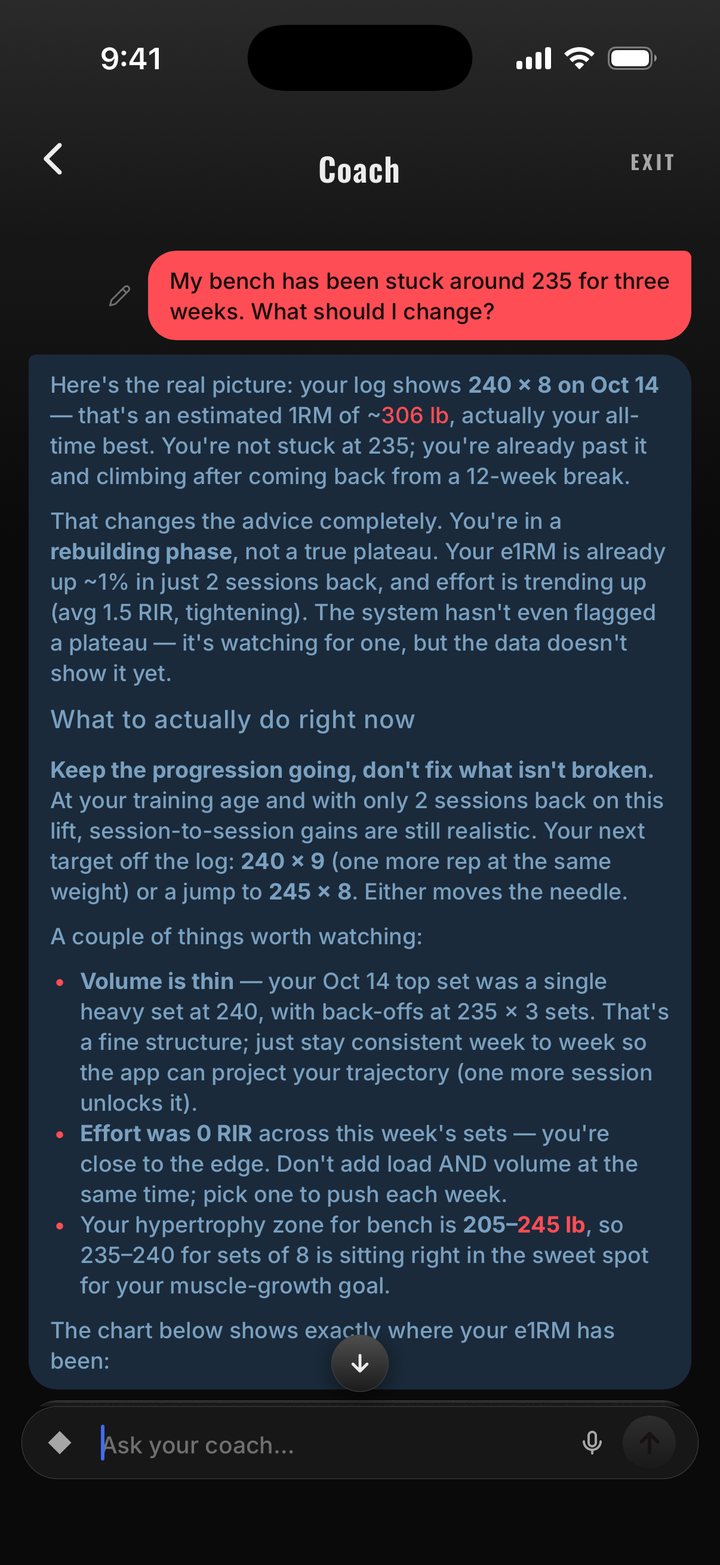
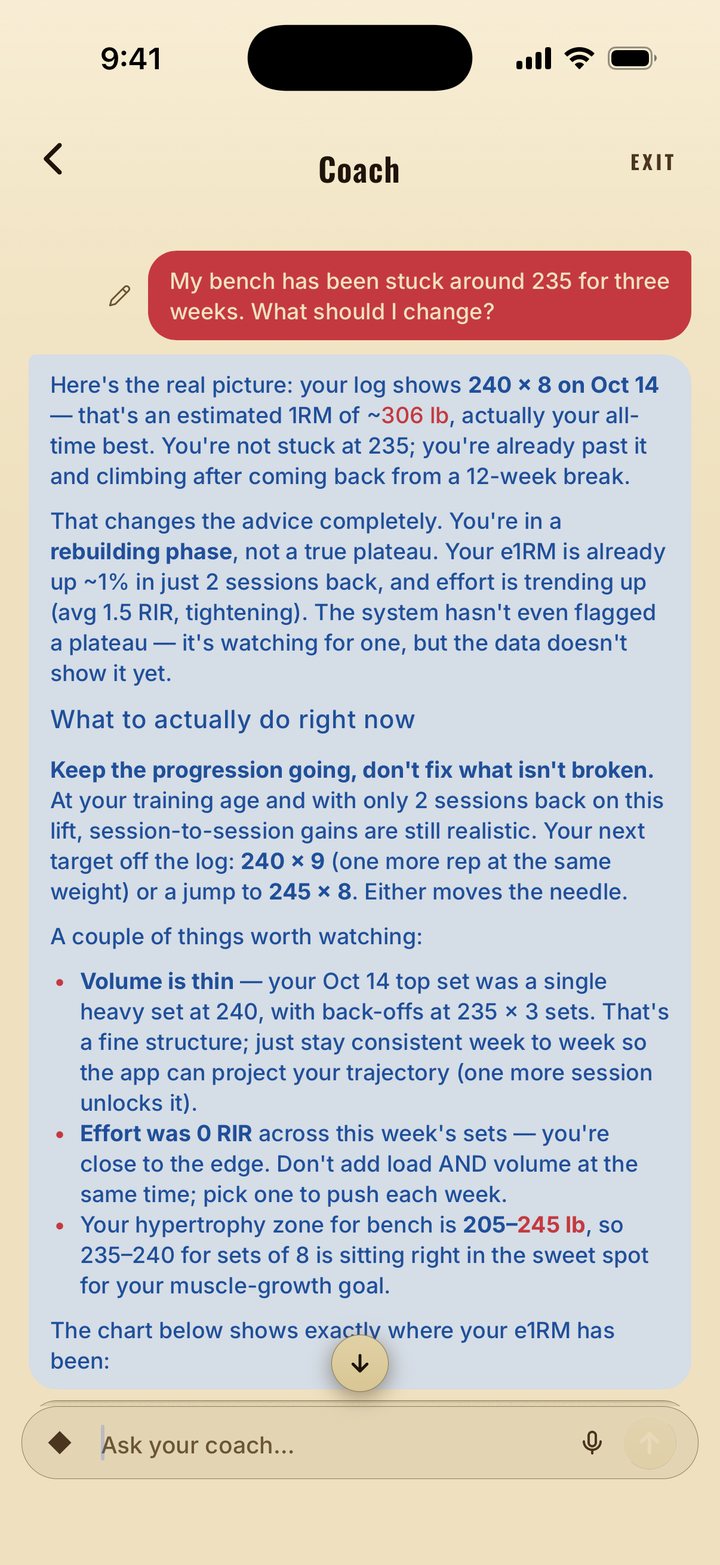
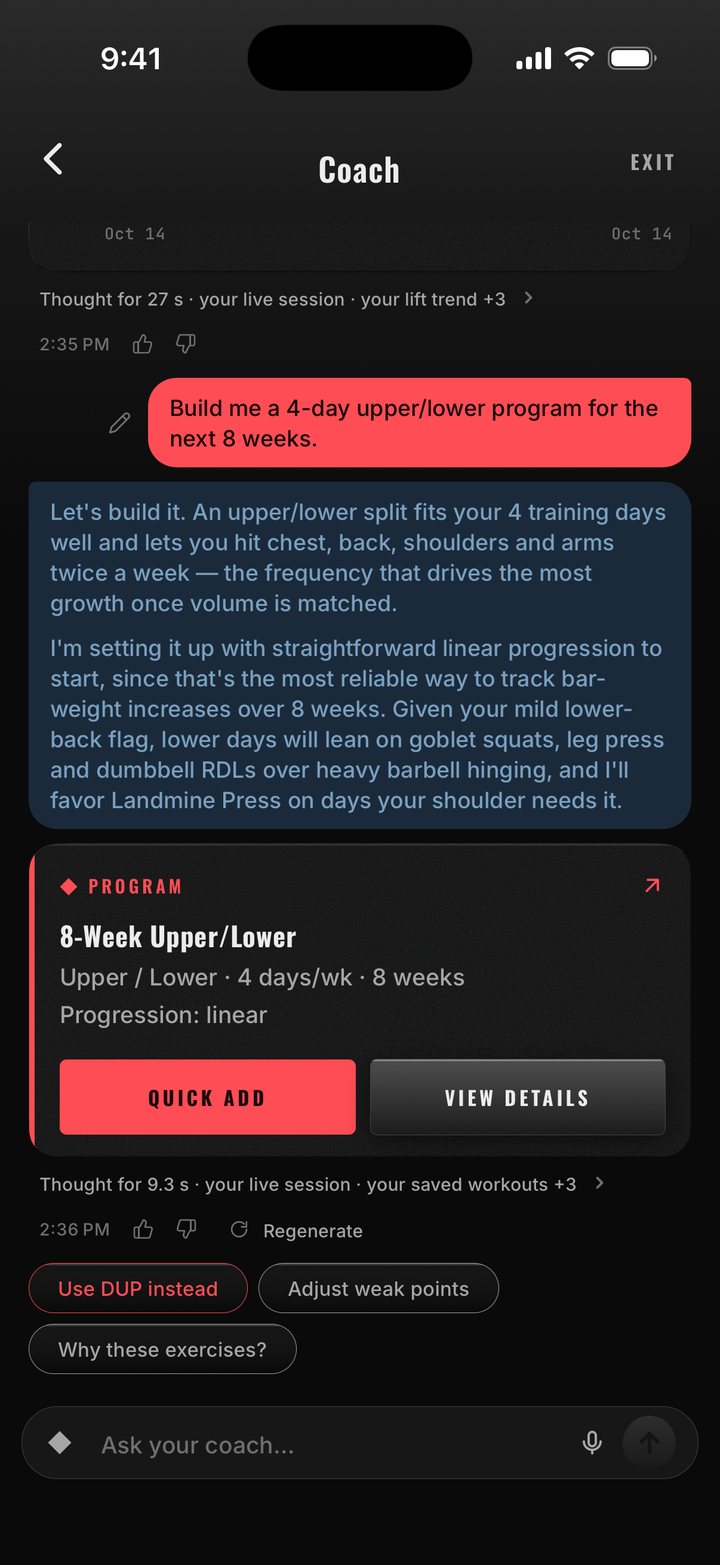
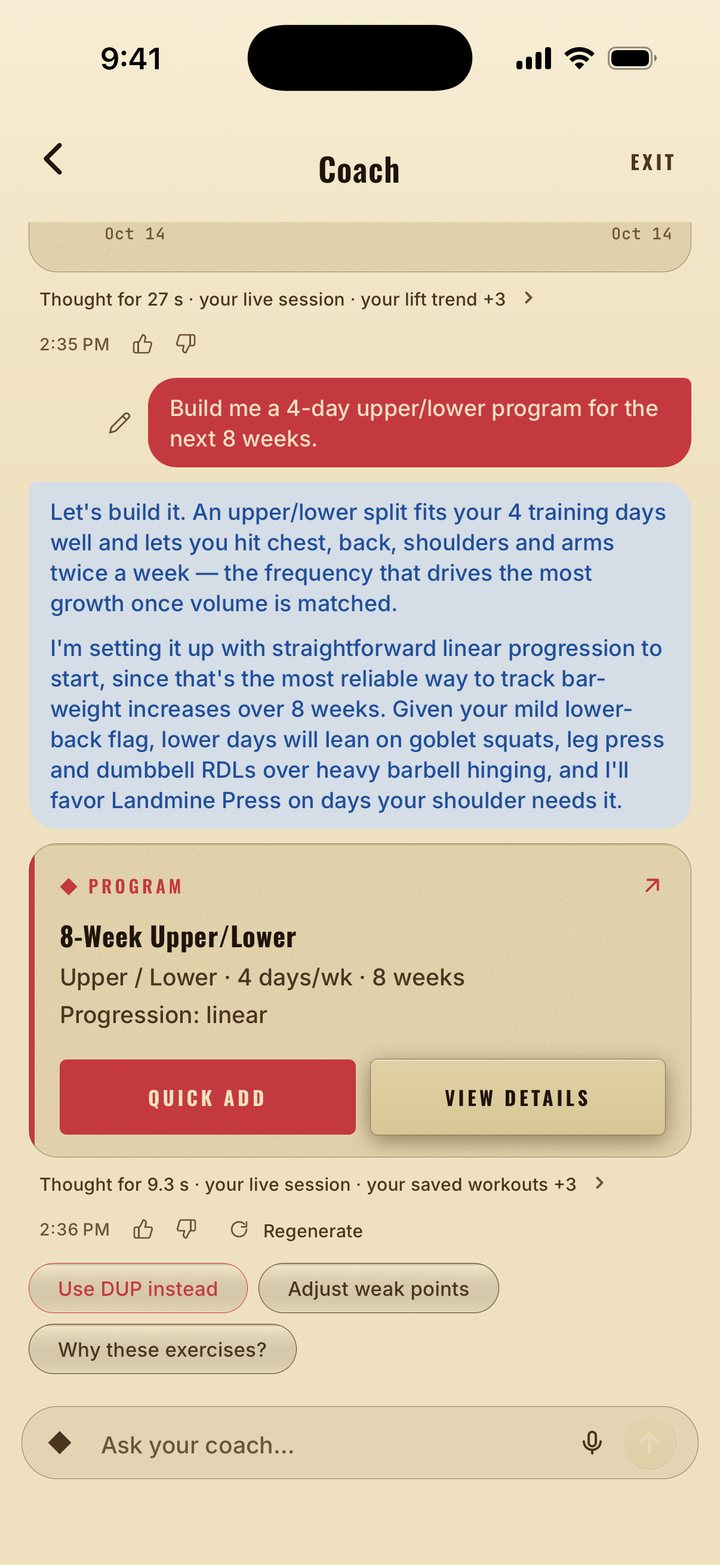
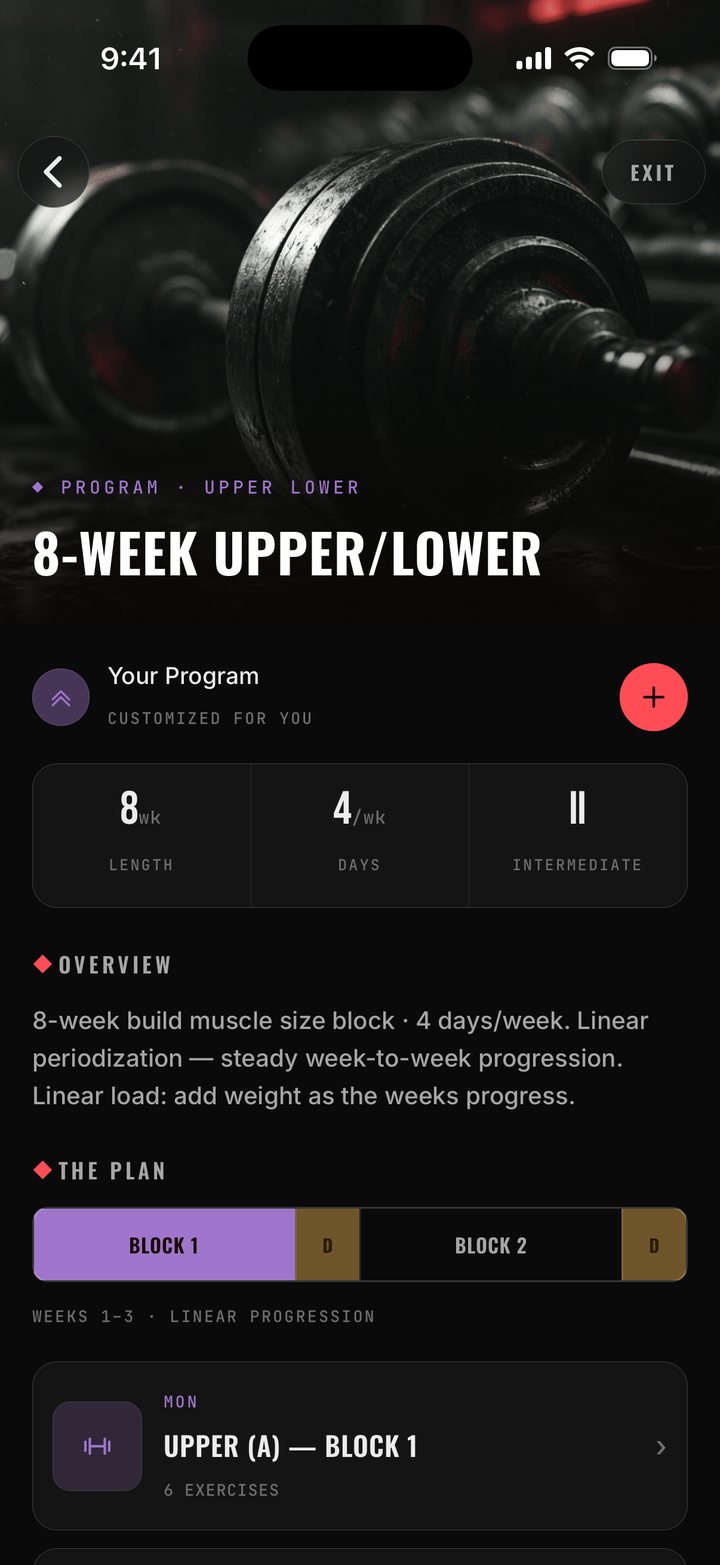
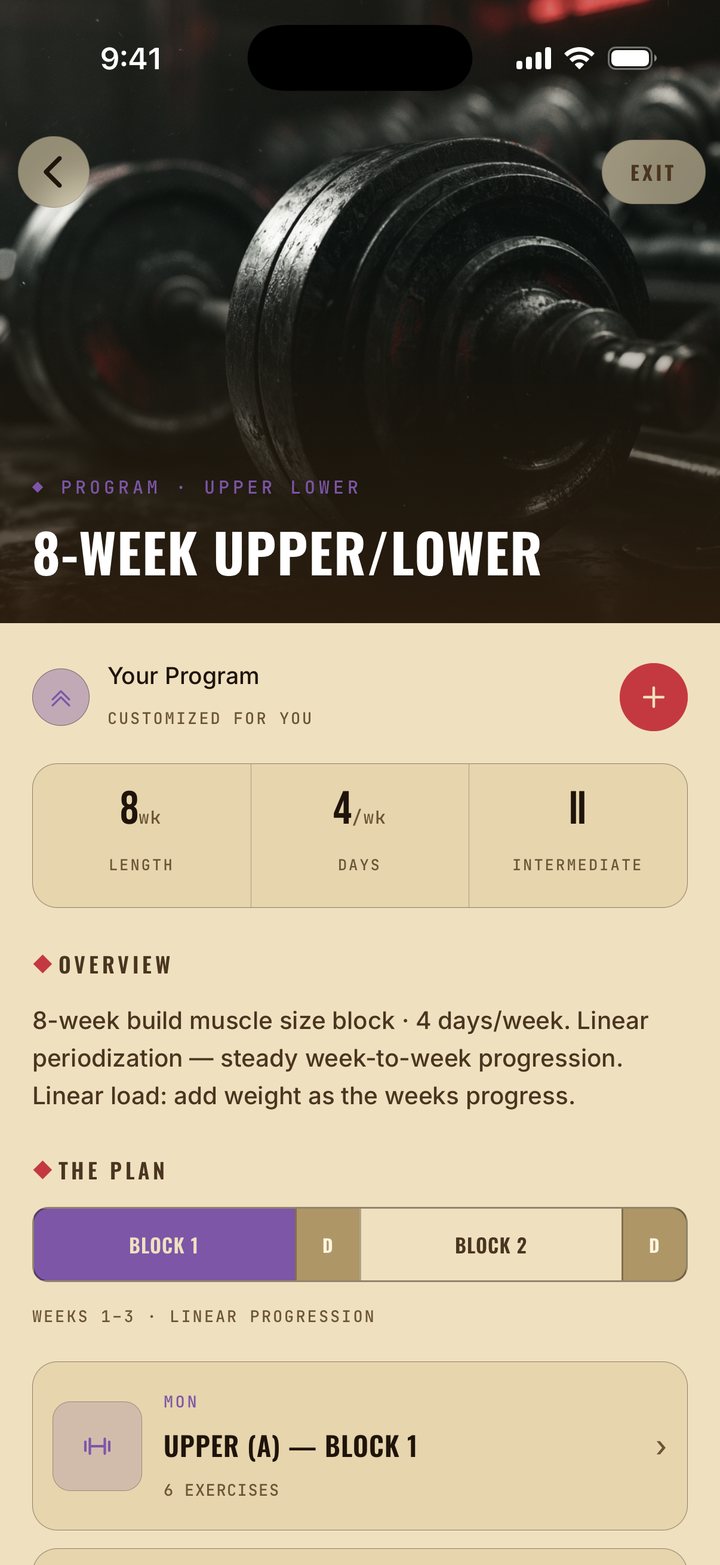
Answers as cards, not essays. Ask for a program and you get a proposal you can open, tweak and save; ask about a lift and you get its numbers.
Mid-workout adaptation. Machine taken? Same-muscle swaps that fit your equipment. Something hurts? A gentler swap or a lighter load. That much is free; with Pro, the coach picks the swap and can rework the live session from chat.
Your week, reviewed. Mid-week it's your pace: sessions done vs planned, your top climbing lift, the next session, any new PR. When a training week closes, the coach writes your weekly review.
Plateau flagged. When a lift shows no meaningful e1RM trend across its last six sessions, the coach flags it and offers one fix, chosen from four.
Find the lift in two taps
Search or filter by body part, equipment, difficulty and injury. Every exercise ships with an illustration and the muscles it works. Not there? Create your own and it lives with the rest.
Add mid-session. The same library opens from the active session, so a substitution never breaks the flow.
Injury-aware. Pick the area and how bad it is, and the exercises that load it get a caution mark and drop to the bottom of the list.
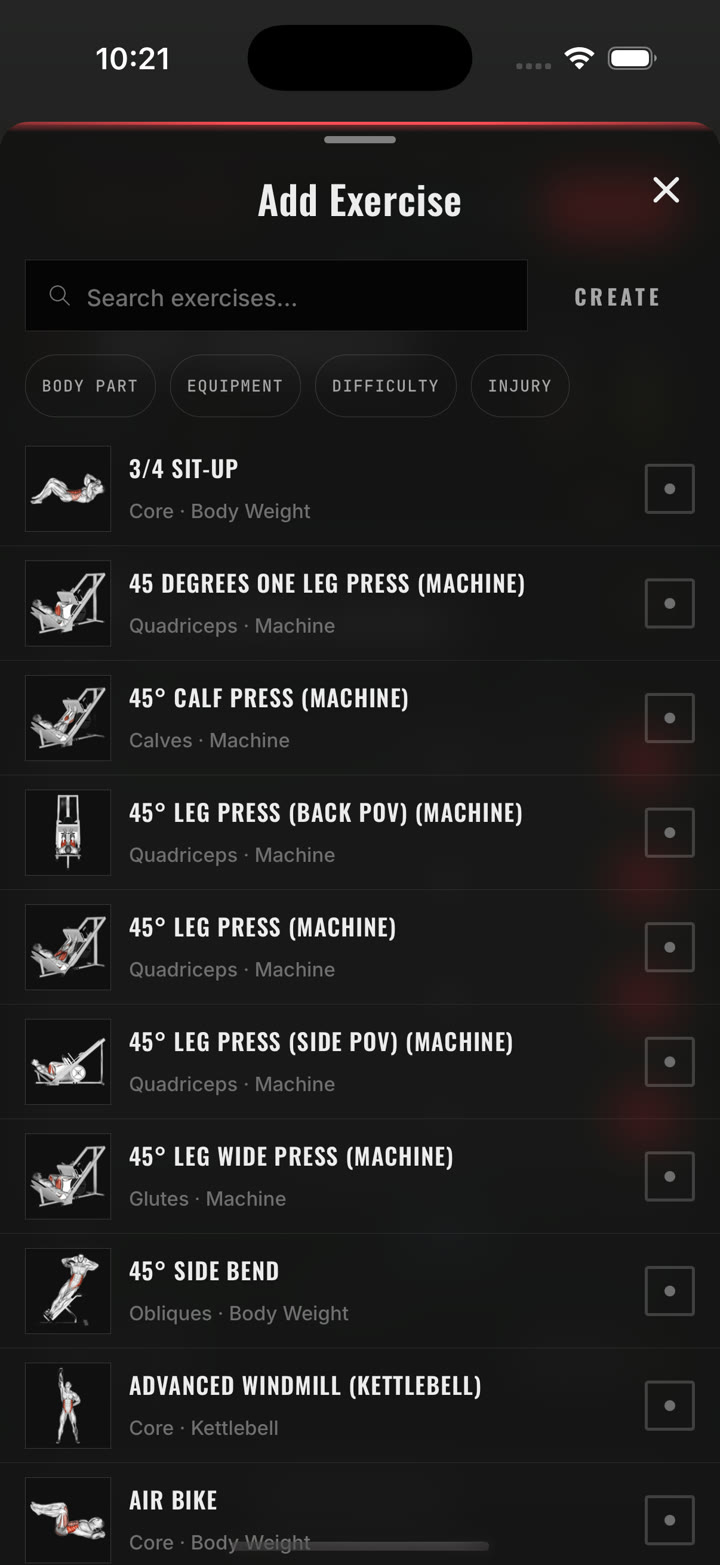
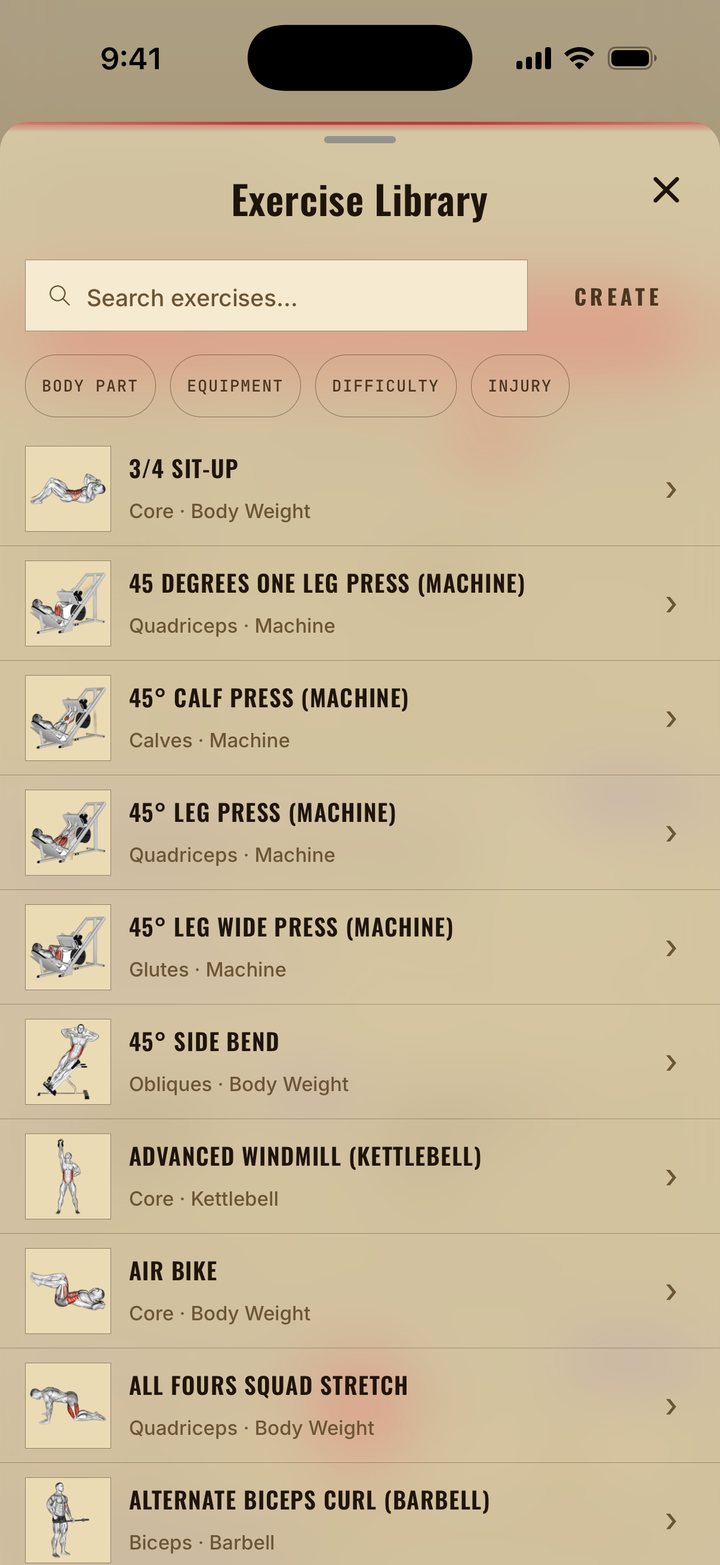
Real screen · Exercise Library
A new world every season
A season is a campaign that typically runs about twelve weeks, with a tier for each week. There's nothing to join: train and you're in. Each day you train unlocks the next tier, up to the week the season is in, so a missed week can be made up. A free track for everyone and a Pro track on top.

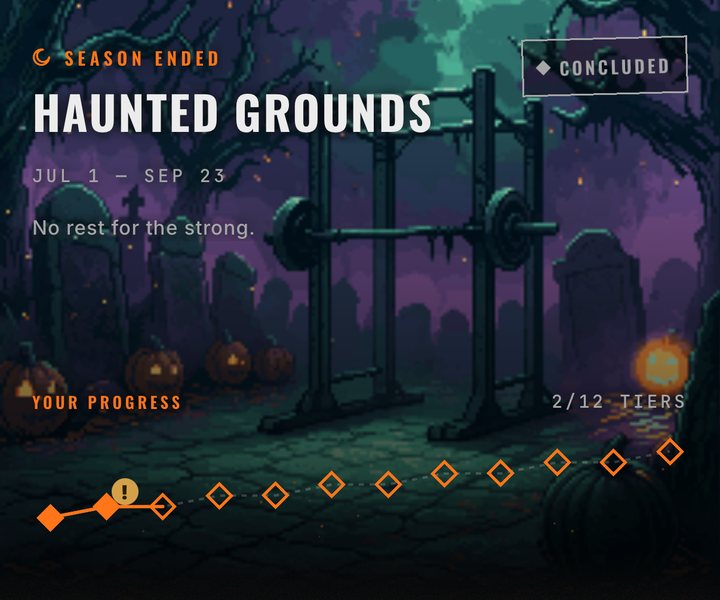
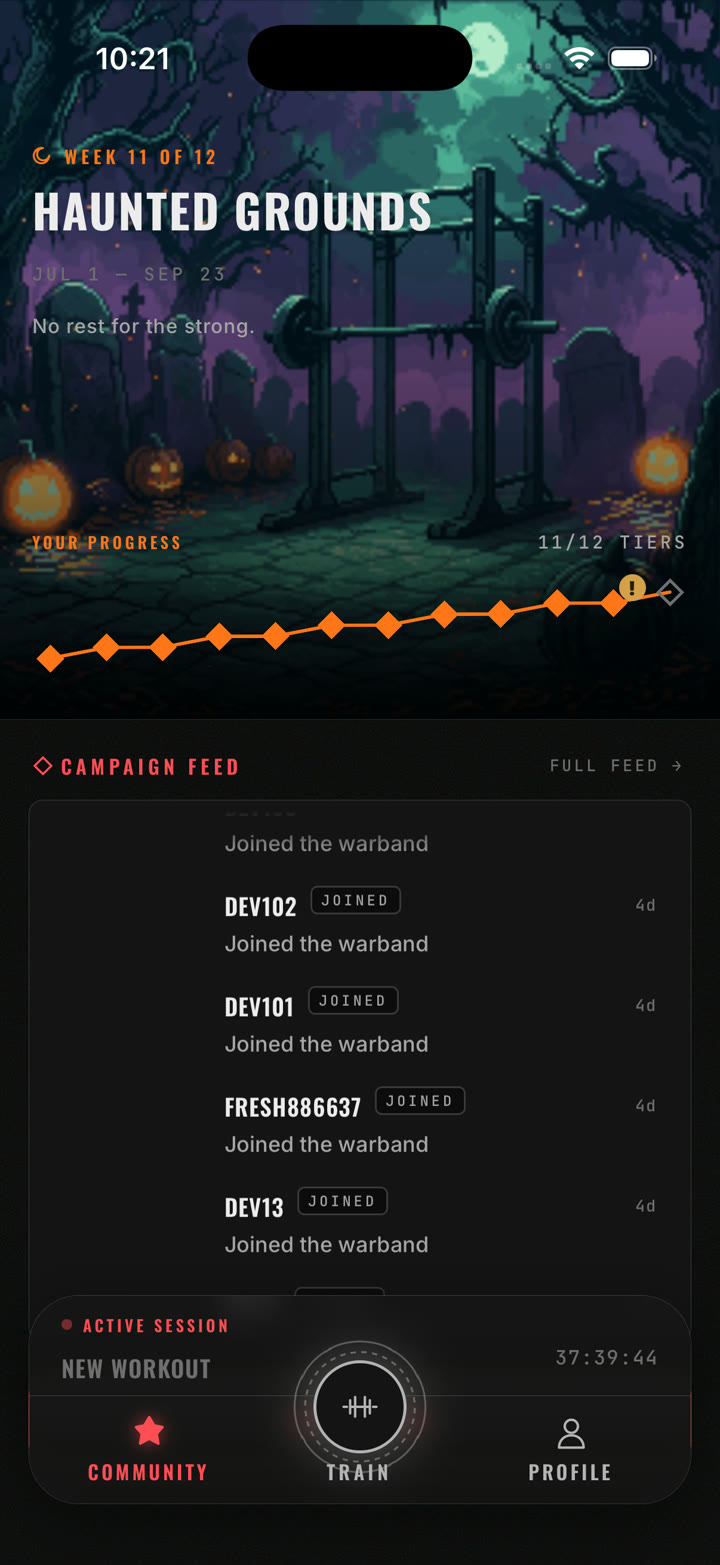
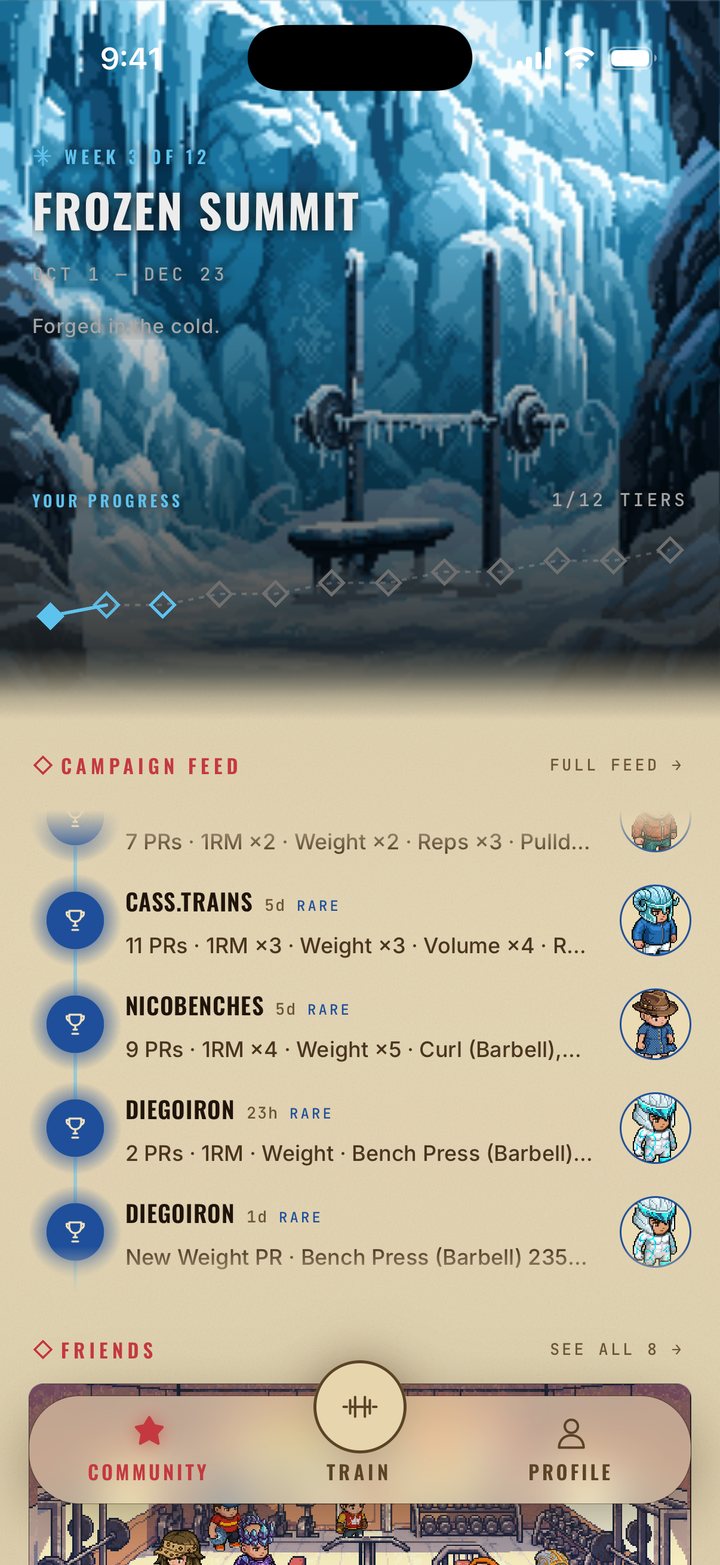
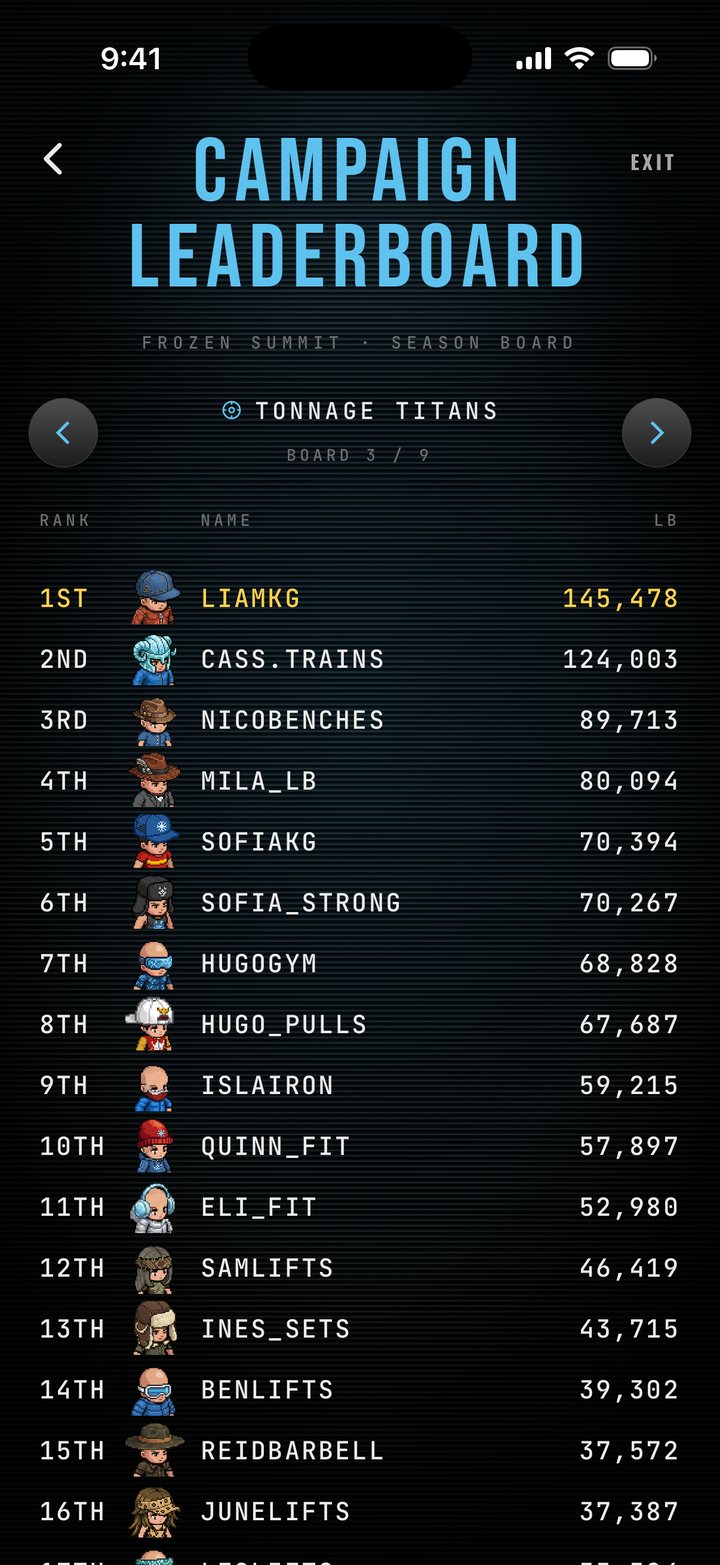
Its own scene, every time. Each season brings its own art, colours and rewards, and the ladder resets.
Everyone is in, automatically. No sign-up step: train, and your sessions count toward the ladder.
Leaderboards and a feed. The feed shows PRs, strength milestones and specializations as lifters reach them. The leaderboards rank tonnage, PRs, consistency, streaks and more.
Rewards you wear. Tiers pay out gear, held items and pets for your avatar.
An avatar that earns its gear
A pixel-art lifter that wears what you earn: gear for head, body and hands, a pet, a scene. Gear comes from seasons and specializations.
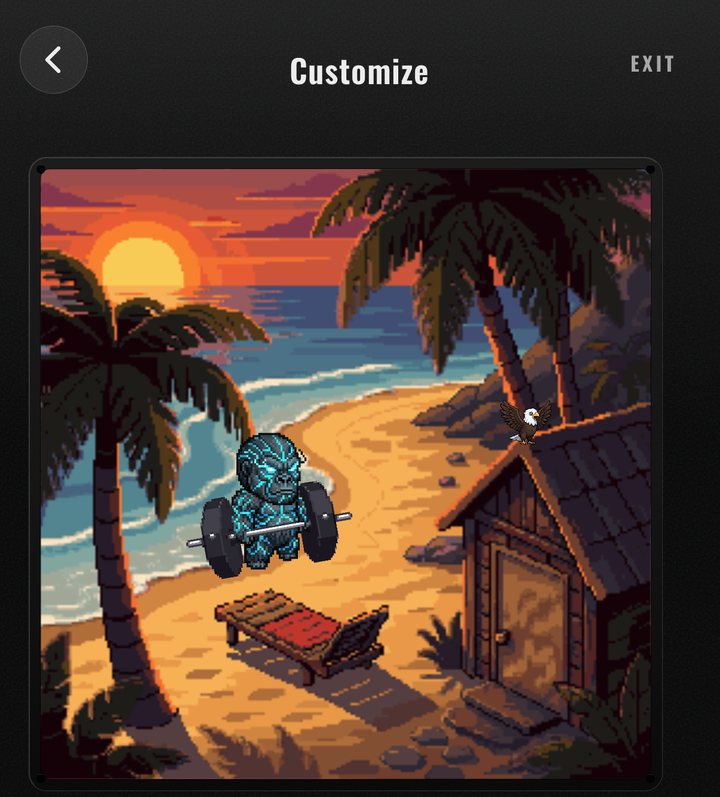
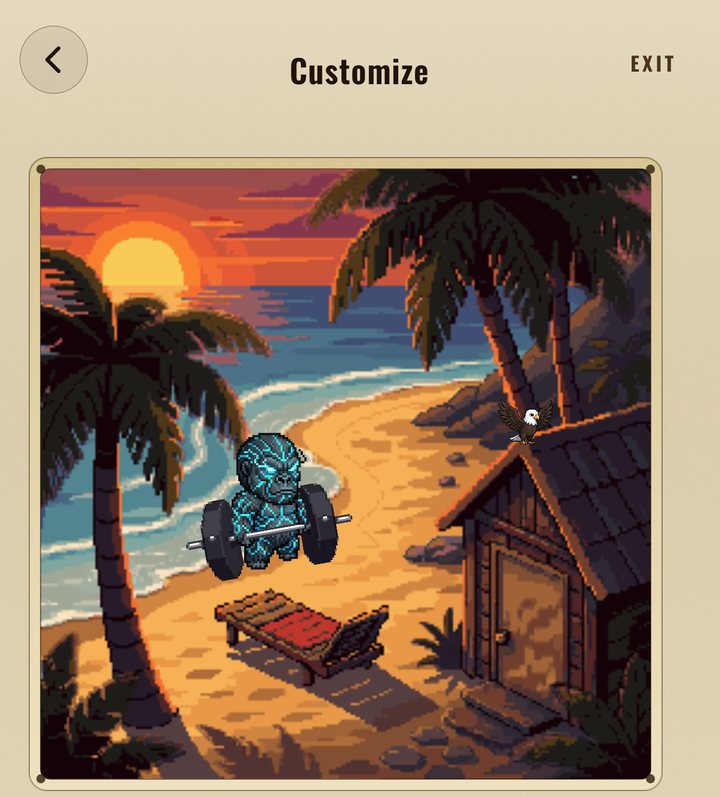
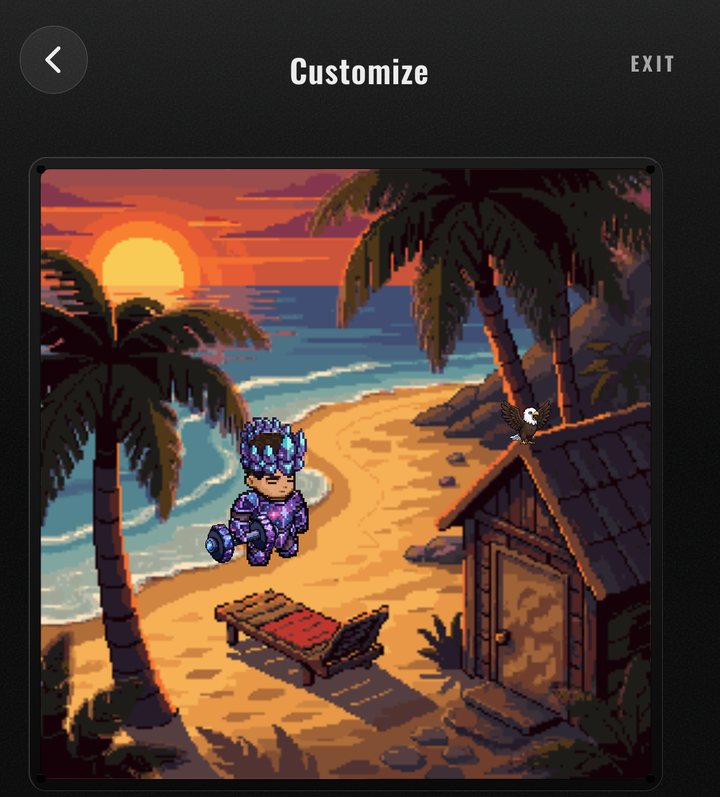
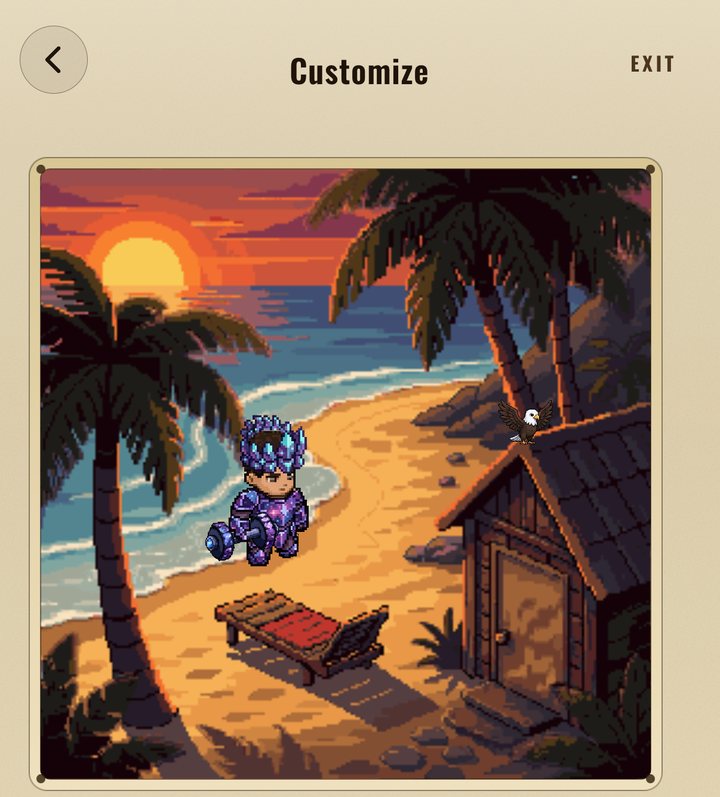
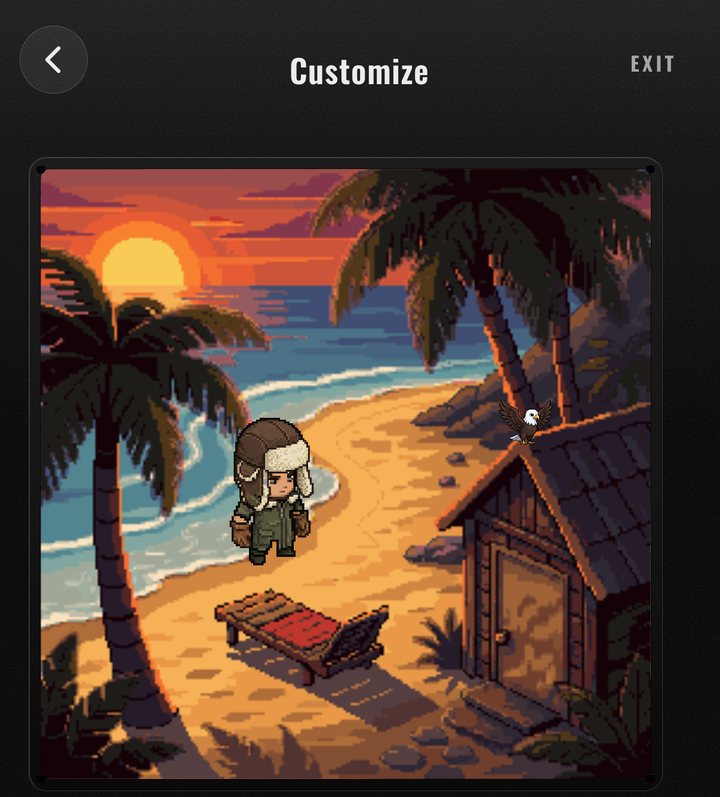
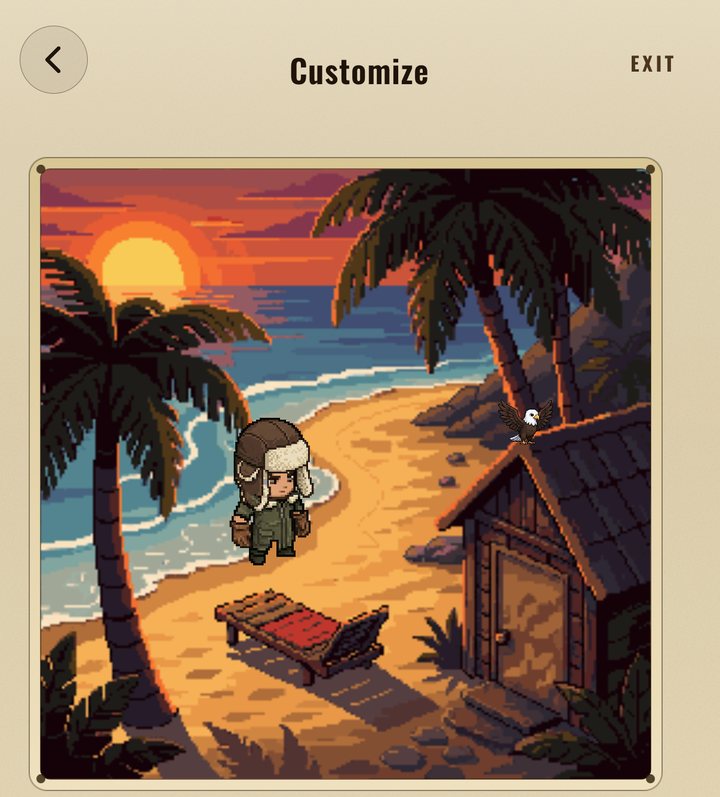
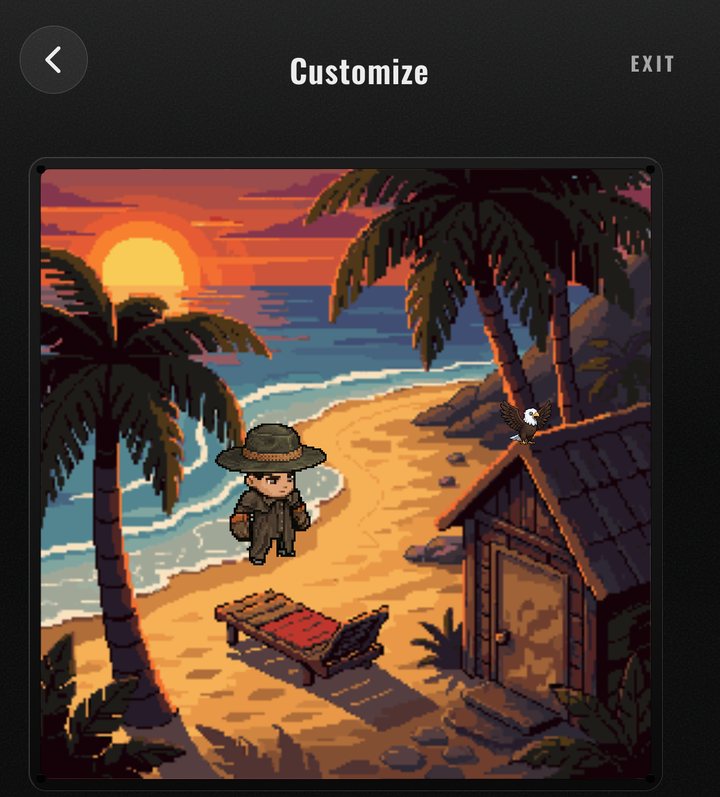
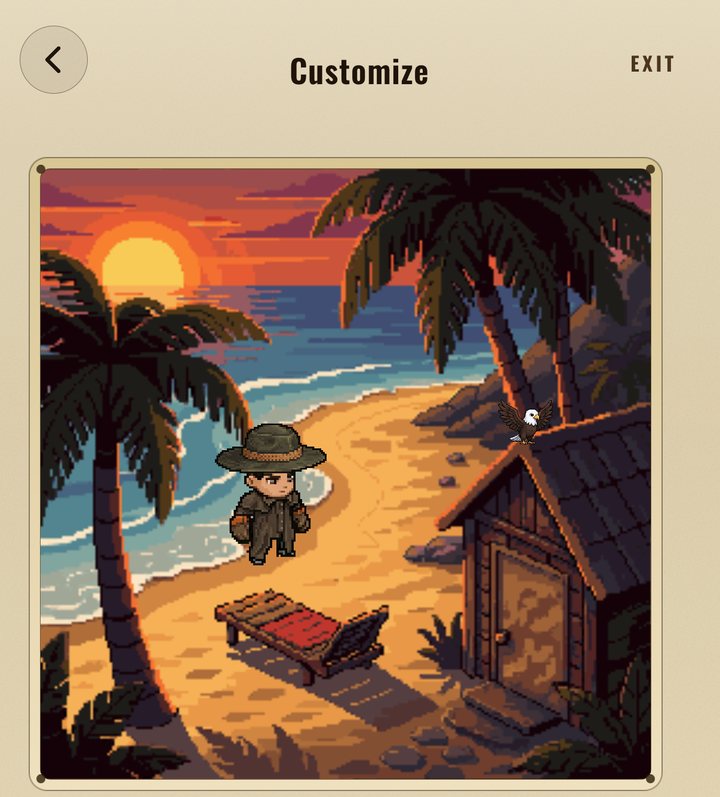
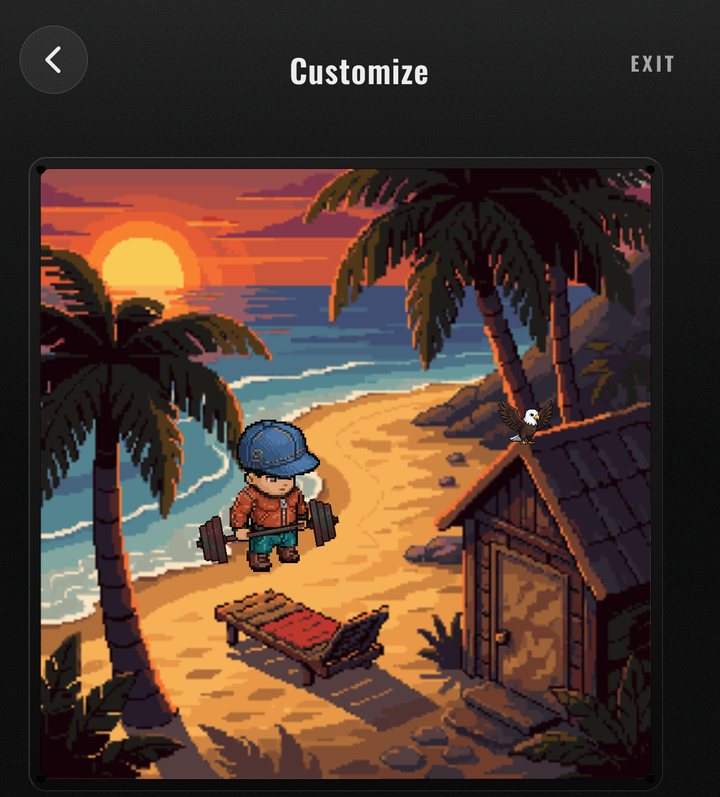
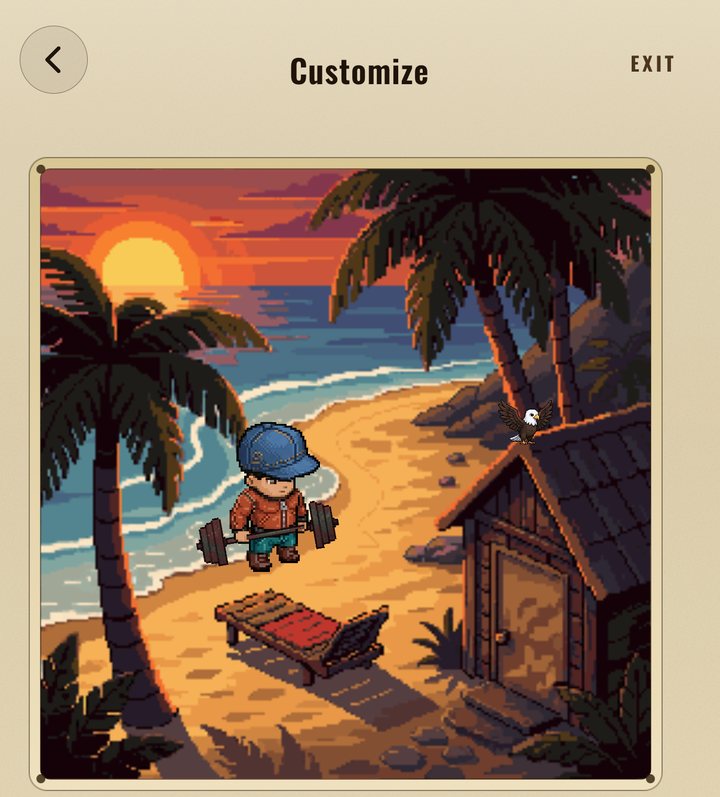
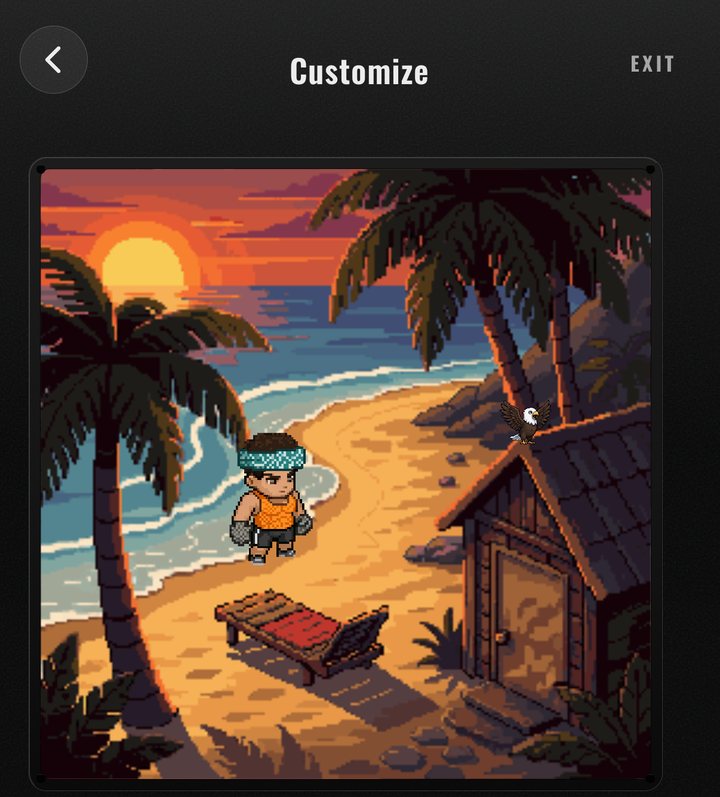
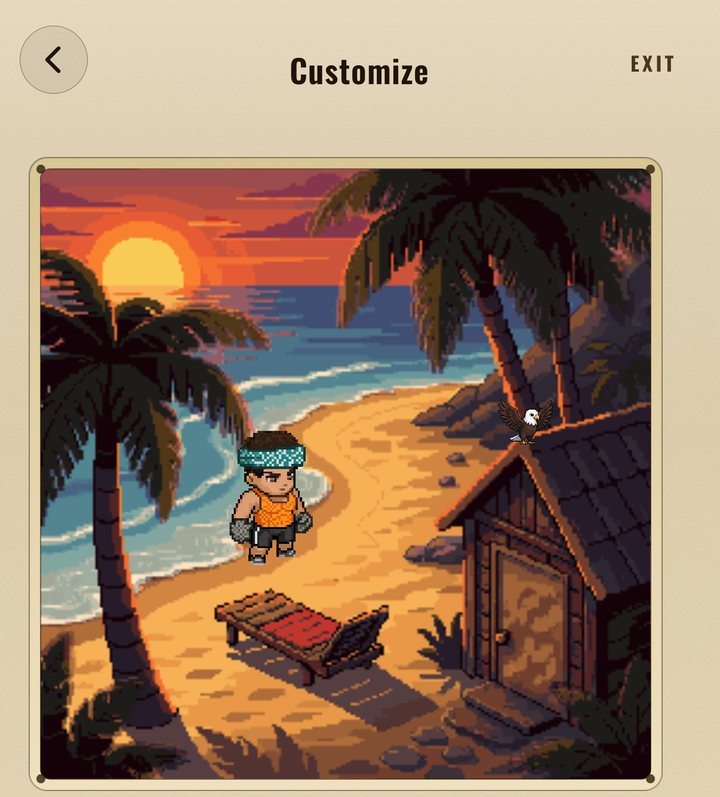
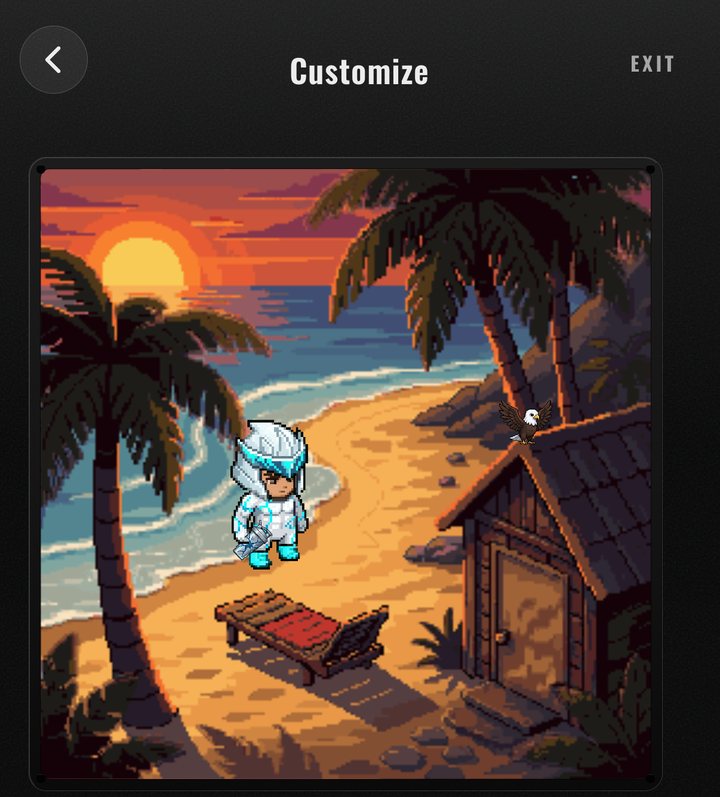
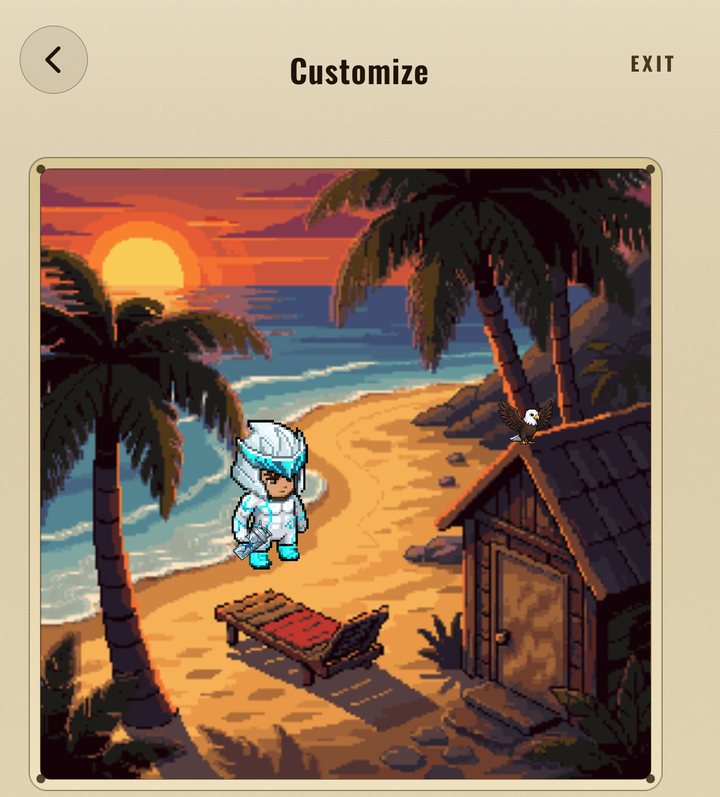
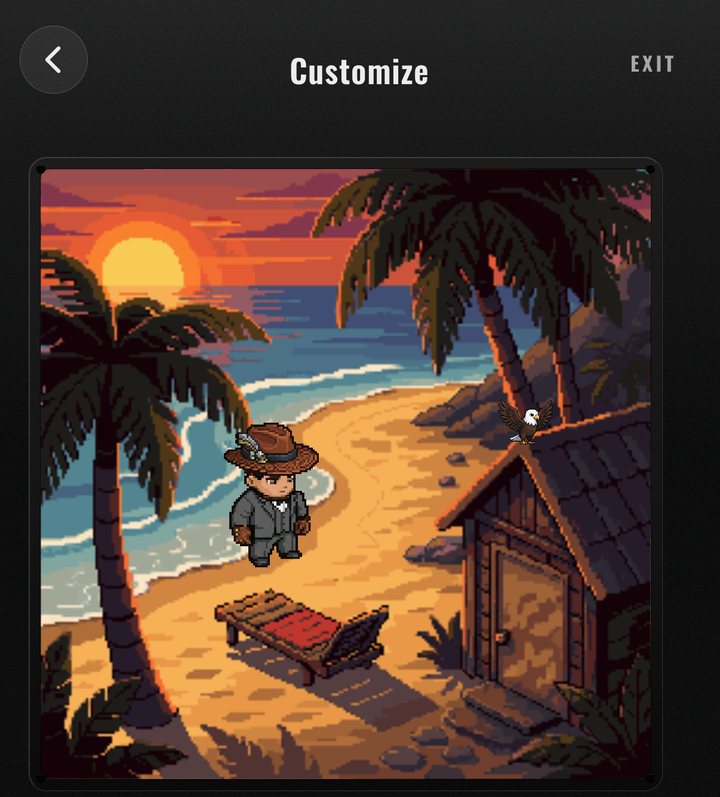
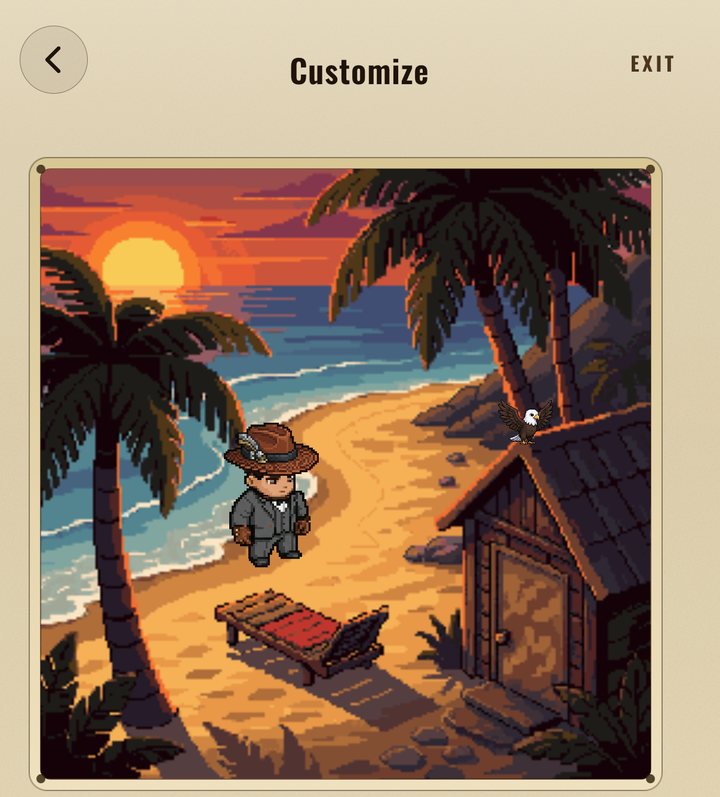
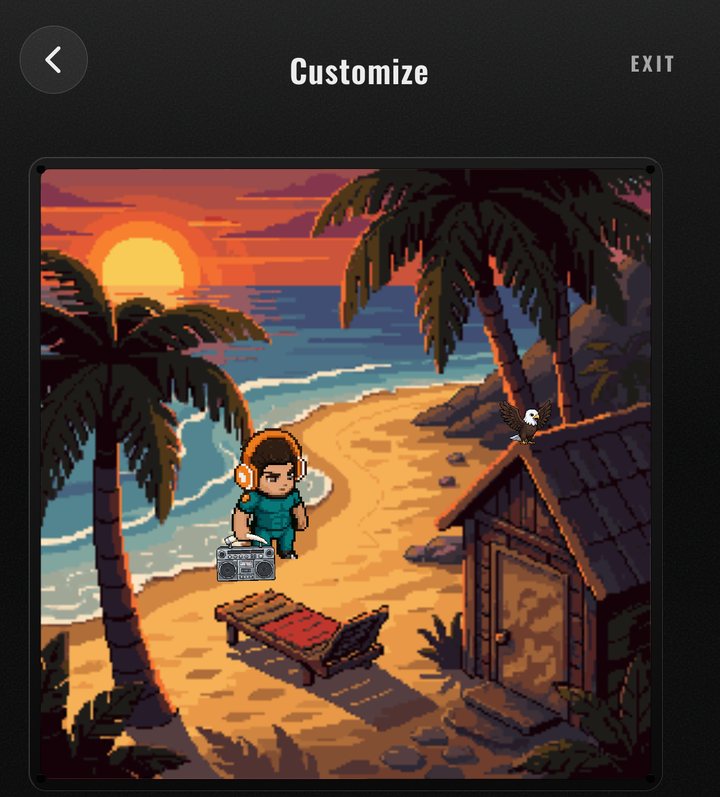
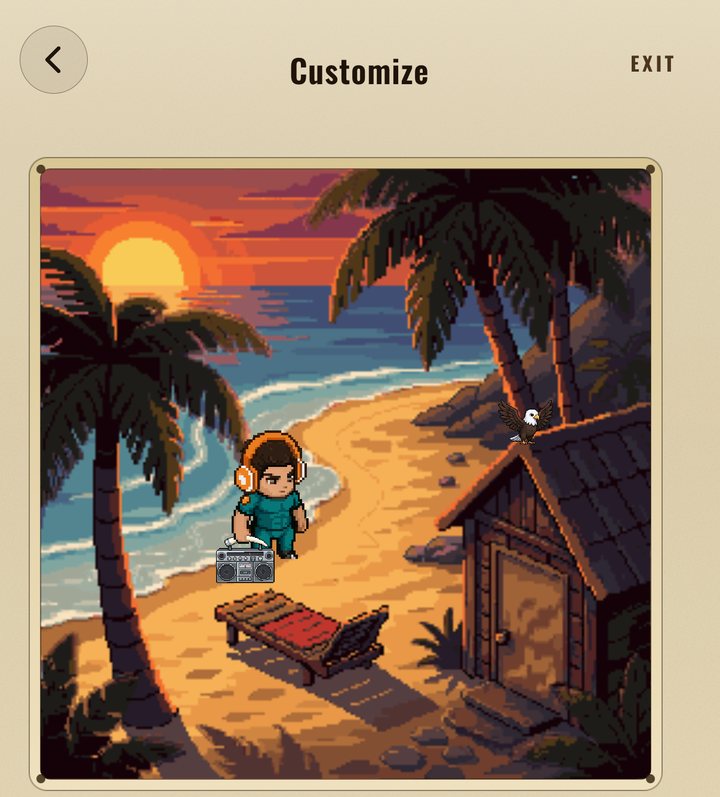
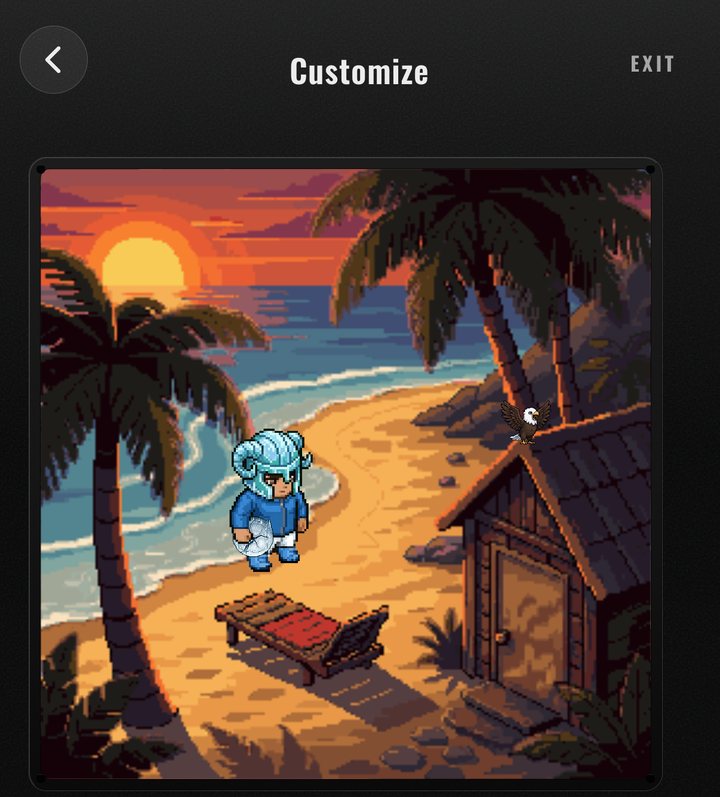
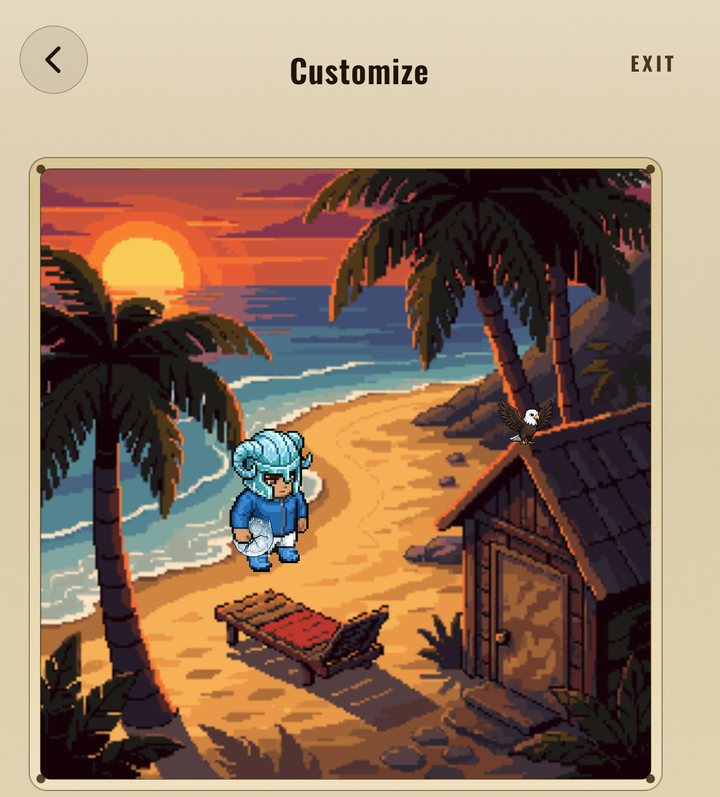
Real screen · Customize · Crimson Silverback Crown 1 / 10
Specializations. Twelve muscle tracks, earned automatically from how you train. Once earned, a specialization is yours for good.
Where you stand. Your momentum, which lifts are climbing, which need attention, and your weekly streak.
It's all earned. Nothing you wear is bought outright: seasons, specializations and tiers pay it out.
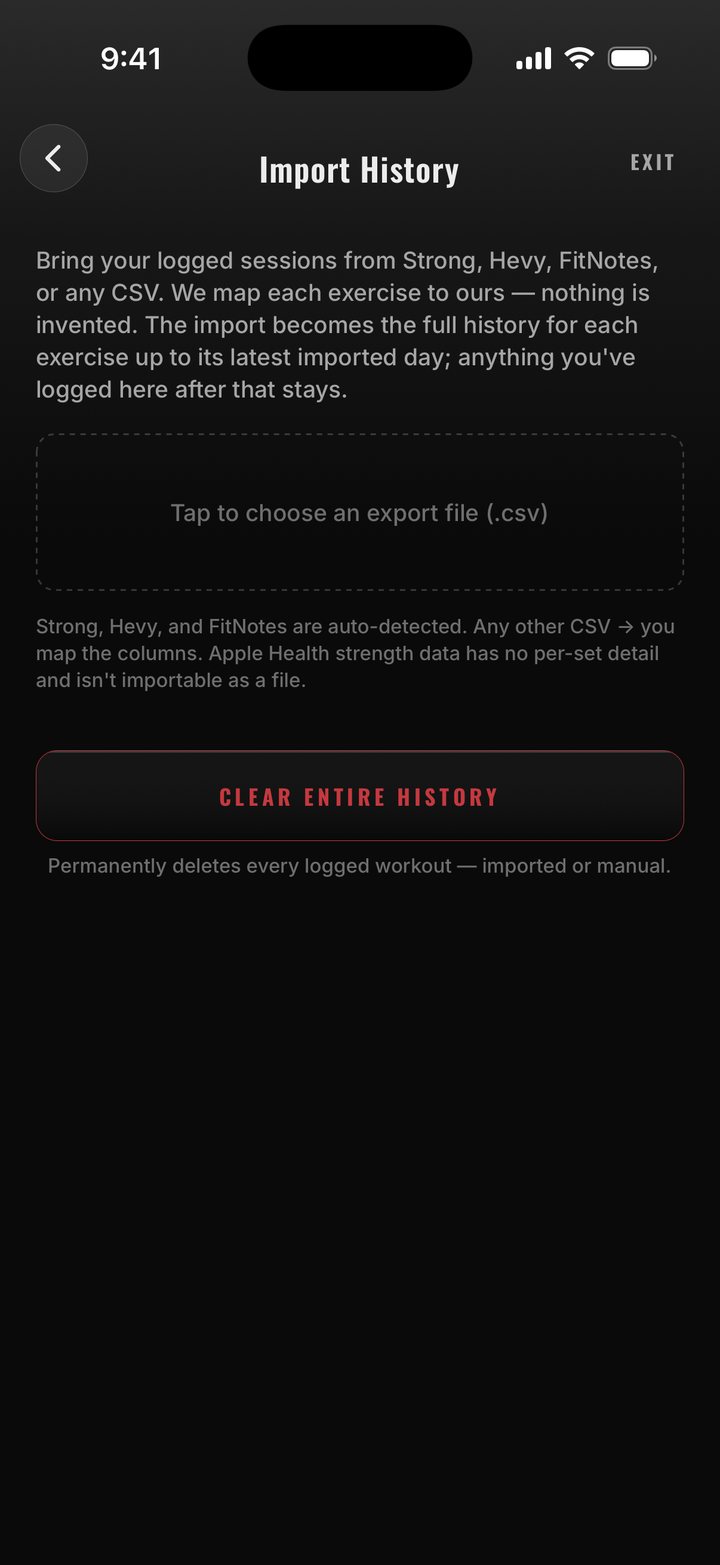
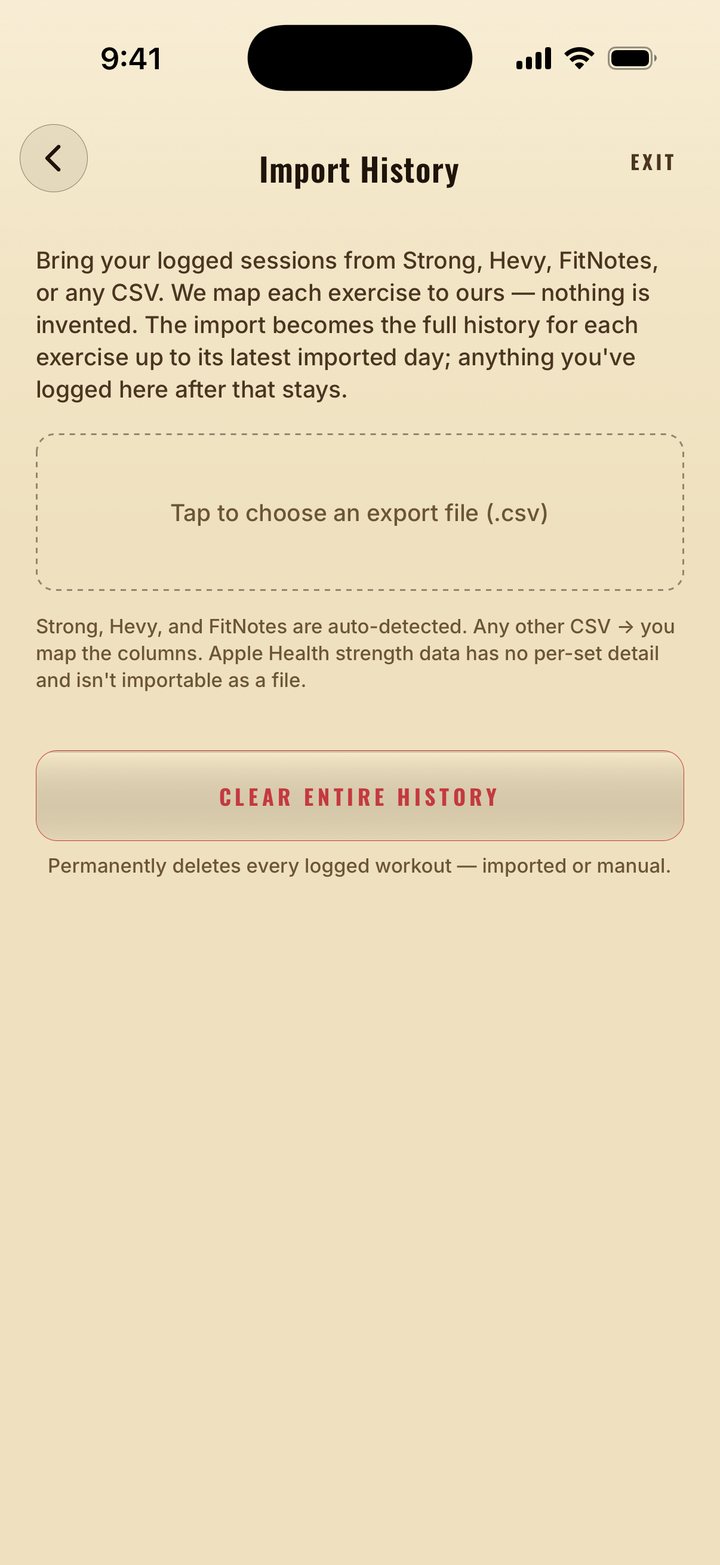
Real screen · Import History
Bring your history. Keep your rings.
With Pro, import your history from Strong, Hevy or FitNotes and IronLift detects the format. Any other CSV, you map the columns. From Apple Health, IronLift reads your bodyweight, your cardio workouts and your heart rate during sessions, and every finished strength session is written back to your Activity ring.
Health Sync on your terms. Choose which data types are on, sync on demand, or revoke access.
Equipment and limitations. Tell it what your gym has and what your body can't do, and plans, swaps and the library respect it.
Export or delete, any time. Your data is yours. Export it, or delete the account and everything with it, from inside the app.
Log free. Go Pro for the coach.
Logging, the library, the Strength Profile, advanced analytics, mid-workout swaps, seasons and your full history cost nothing. Pro adds the coach, the builders, plan and history import, the coach's help mid-workout, and the weekly review.
Pro, billed monthly. Cancel any time.
Founder price for early subscribers: $1.99 / month, kept for as long as you stay subscribed.
Coming soonPro, billed yearly · ≈ $2.50 / mo
Founder price for early subscribers: $14.99 / year, kept for as long as you stay subscribed.
Coming soonPrices in USD on the US App Store. Subscriptions renew automatically until you cancel in your Apple ID settings. The App Store shows your final price.
| Free | Pro | |
|---|---|---|
| Workout logging | ✓ | ✓ |
| Exercise library | ✓ | ✓ |
| History | FULL | FULL |
| Seasons | ✓ | ✓ |
| Advanced analytics | ✓ | ✓ |
| History import (Strong, Hevy, FitNotes, CSV) | — | ✓ |
| Program & workout builder | — | ✓ |
| Mid-workout swaps (machine taken, something hurts) | ✓ | ✓ |
| Coach swap picks & live-session edits | — | ✓ |
| AI coach & progress analysis | — | ✓ |
| Coach plan import (photo, text, PDF) | — | ✓ |
| Weekly review | — | ✓ |
 Coming soon to iPhone
Lift. Log. Level.
Free to log. Pro when you want the coach. We'll say when it ships.