Everything
in the app
Ten screens, every one of them real. Scroll and the phone follows.
Sets, the way you lift them
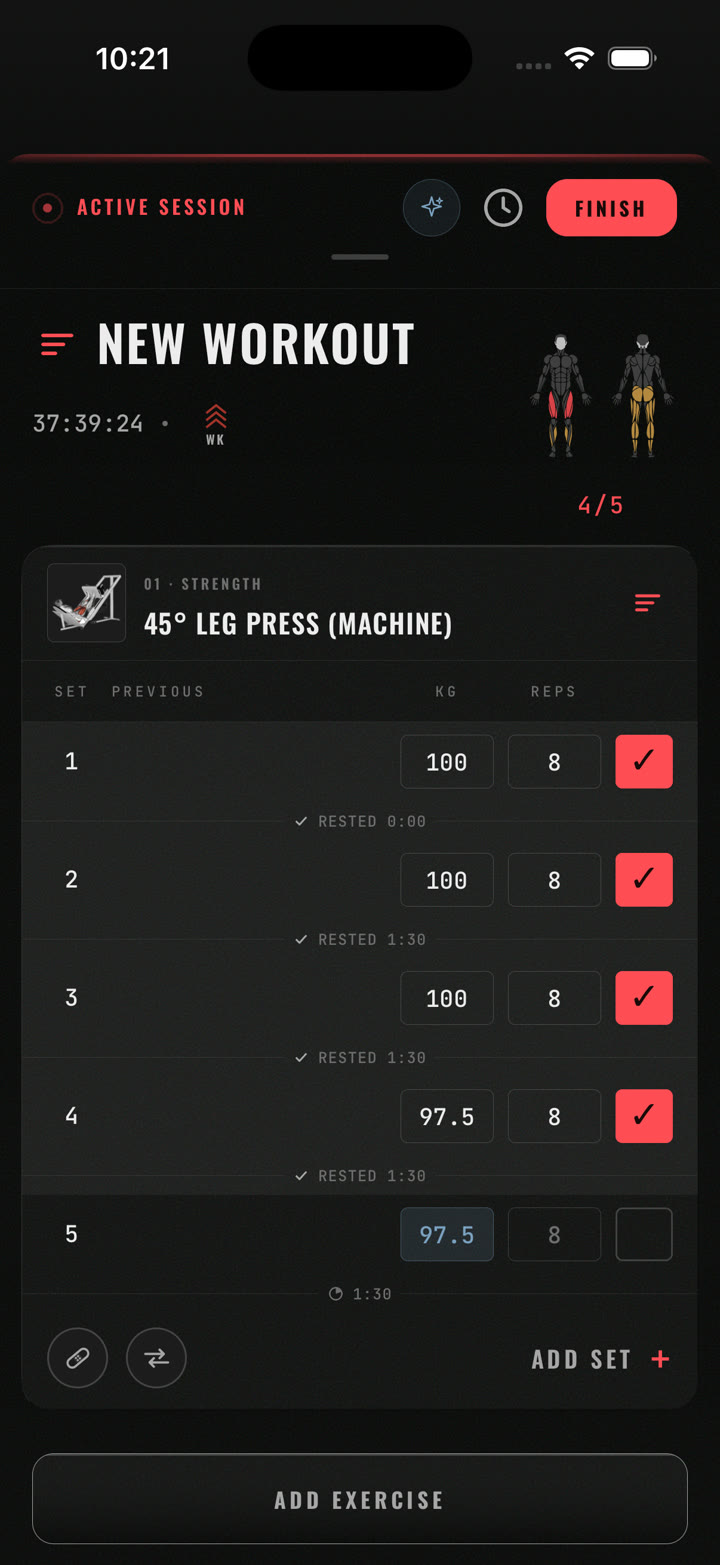
Every exercise is a card. Every set row shows your previous numbers, kilos and reps, and a check. Check it and the rest starts; the rest you took is written under the set. Add a set, add an exercise, finish, all without leaving the sheet.
Set types are first-class. Warmup, working, drop, failure, superset, each colour-coded.
Progress at a glance. The session header counts sets done, and a body map lights the muscles you’ve hit.
Resume from anywhere. An active session pins to the bottom of every tab with its clock.
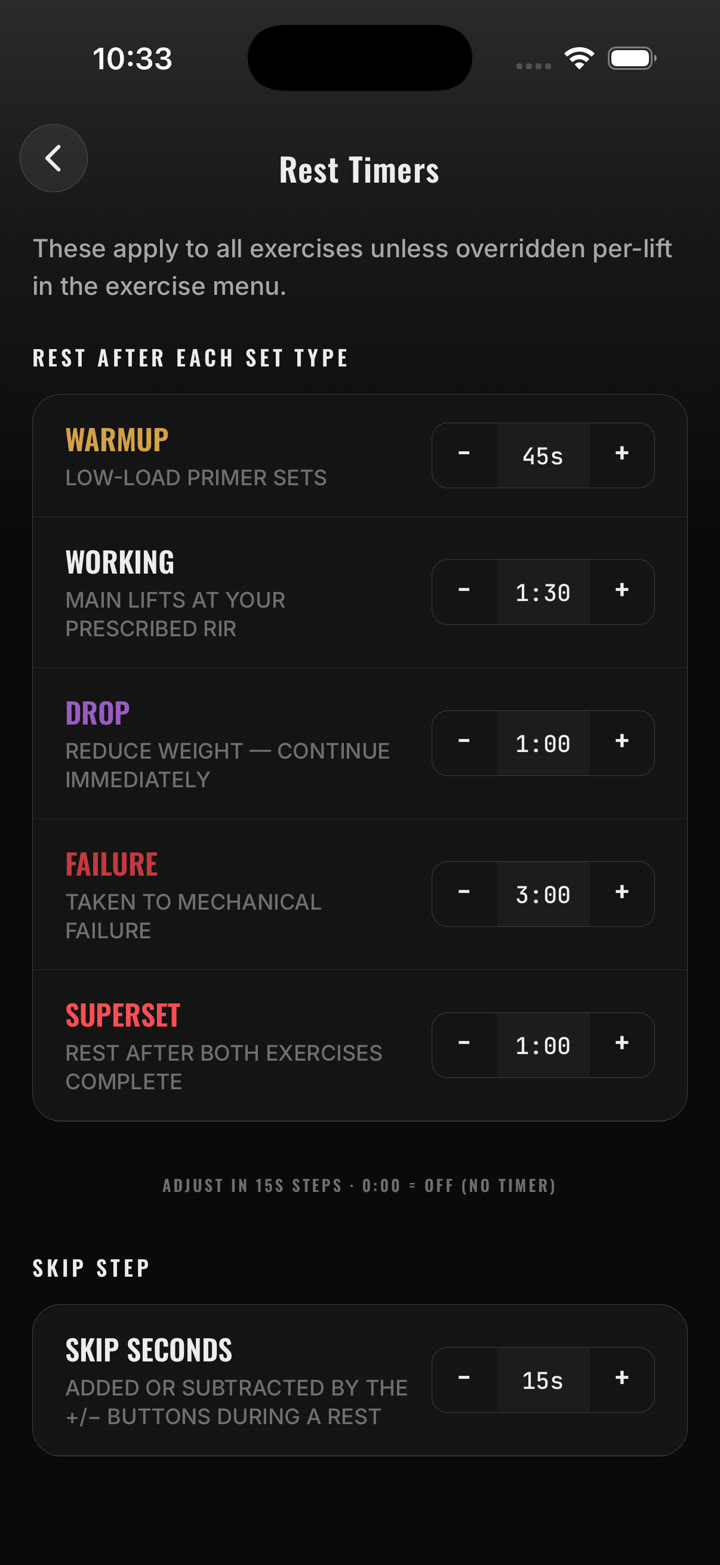
A rest for every set type
Warmup 45 s. Working 1:30. Drop 1:00. Failure 3:00. Superset 1:00. Those are the defaults; set your own for each type, and override per exercise from its menu. Adjust in 15-second steps mid-rest, or change the step.
Lock screen and Dynamic Island. The countdown runs as a Live Activity with −15 s, +15 s, Skip and Complete set.
Timers know the set. Complete a drop set and you get the drop rest, not the working rest.
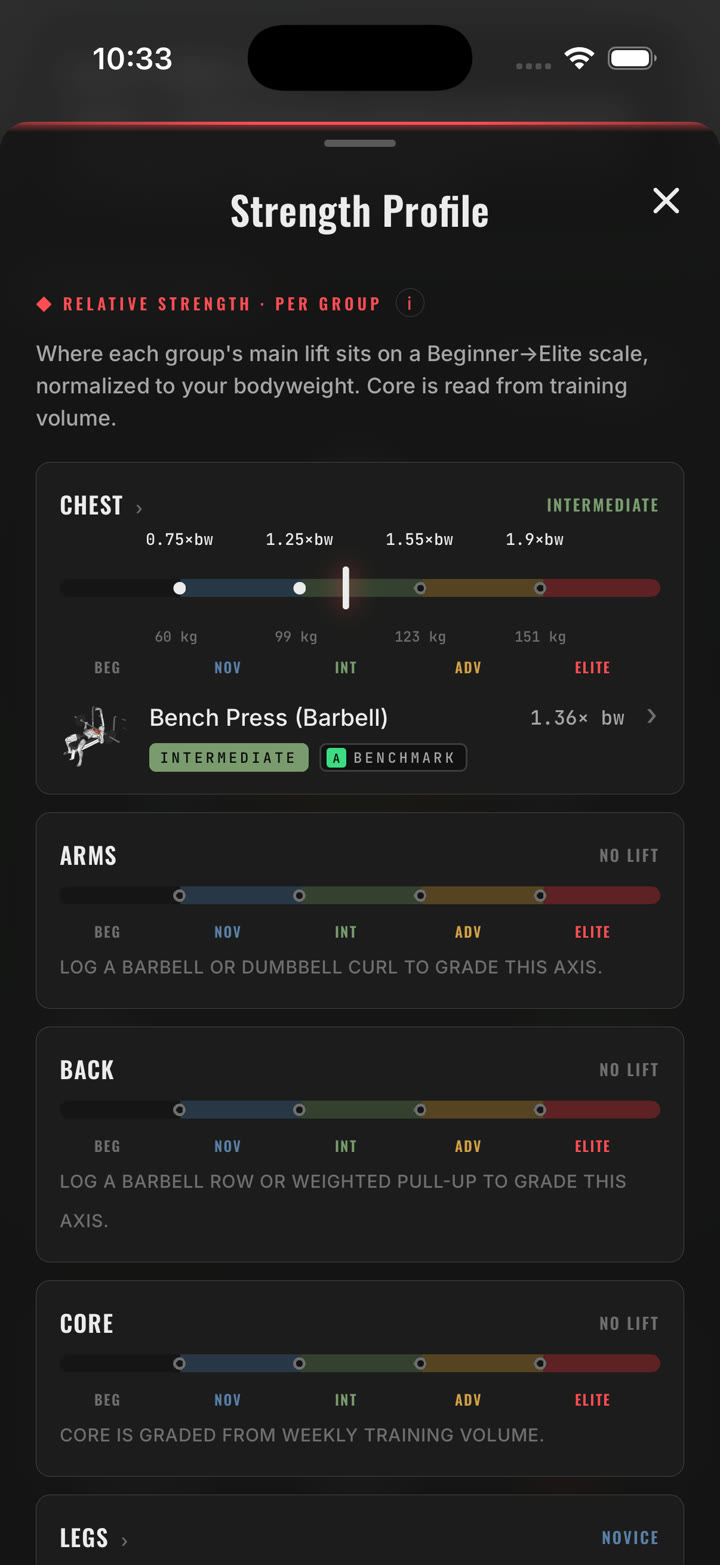
Six groups. Five levels.
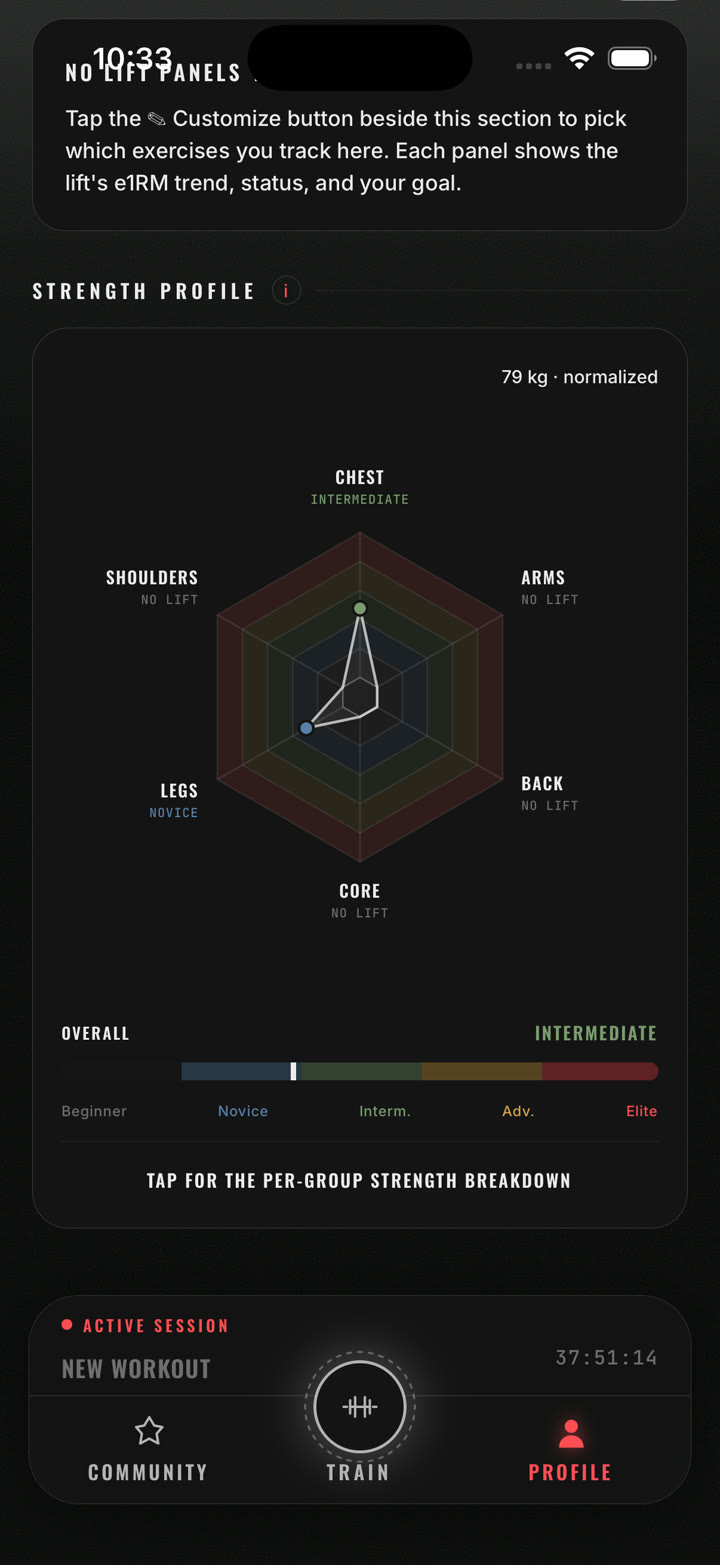
Chest, shoulders, arms, back, legs and core, each placed on a Beginner → Novice → Intermediate → Advanced → Elite scale. The grade comes from your estimated one-rep max on the group’s main lift, as a multiple of your bodyweight, with the thresholds shown in kilos for your weight. Core is graded from weekly training volume.
The radar on your Profile. All six groups on one web, with your overall level on the same scale.
Groups that wait. Never logged a barbell row? The axis tells you exactly which lift will grade it.
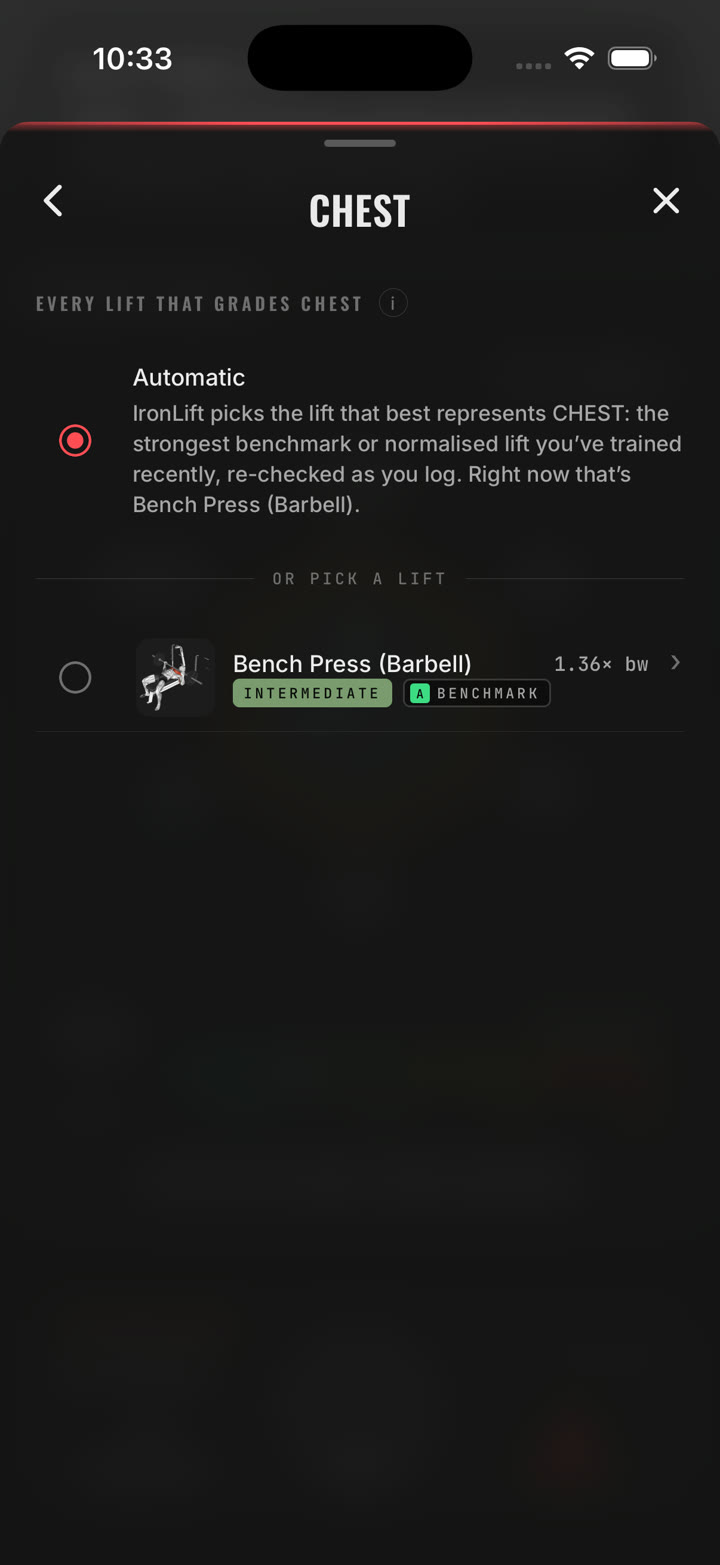
Pick the lift, or let it pick
Drill into a group and see every lift that qualifies to grade it. Automatic mode chooses the strongest benchmark or normalized lift you’ve trained recently and re-checks as you train. Or pin one yourself. Benchmark lifts carry a letter badge, so you know which one moved your grade.
Chat. Program. Workout. Import.
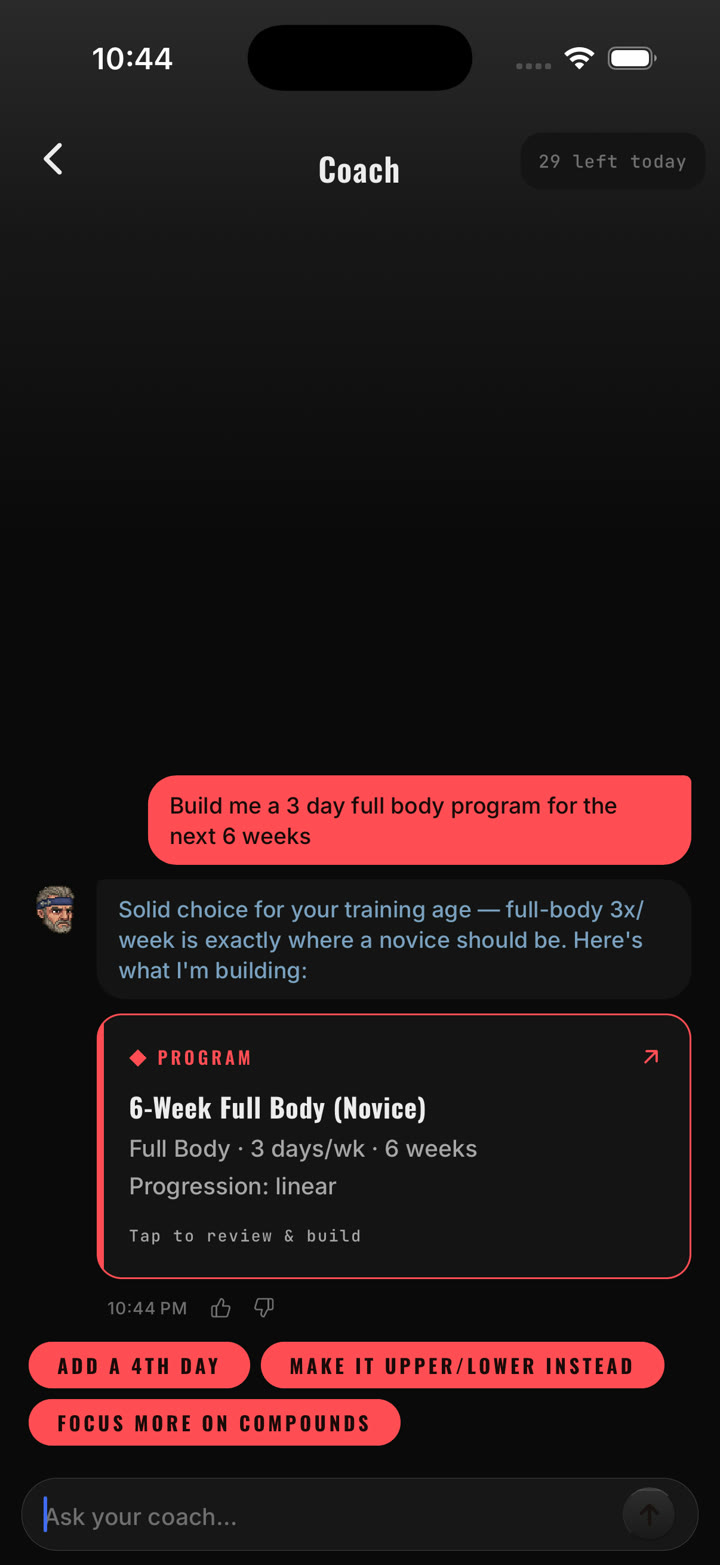
One menu on the Train tab. Chat with a coach grounded in your training data: plateaus, deloads, volume, programming. Program quizzes you and builds a block. Workout quizzes you and builds a session. Import turns a plan from a real coach, a photo, pasted text, a link or a PDF, into a program you can run.
Cards, not essays. A program request comes back as a proposal you can open, tweak and save.
Mid-workout adaptation. Swaps and volume changes while the session is live.
The weekly read. Pace mid-week, a report card when the week closes, with a daily coach line.
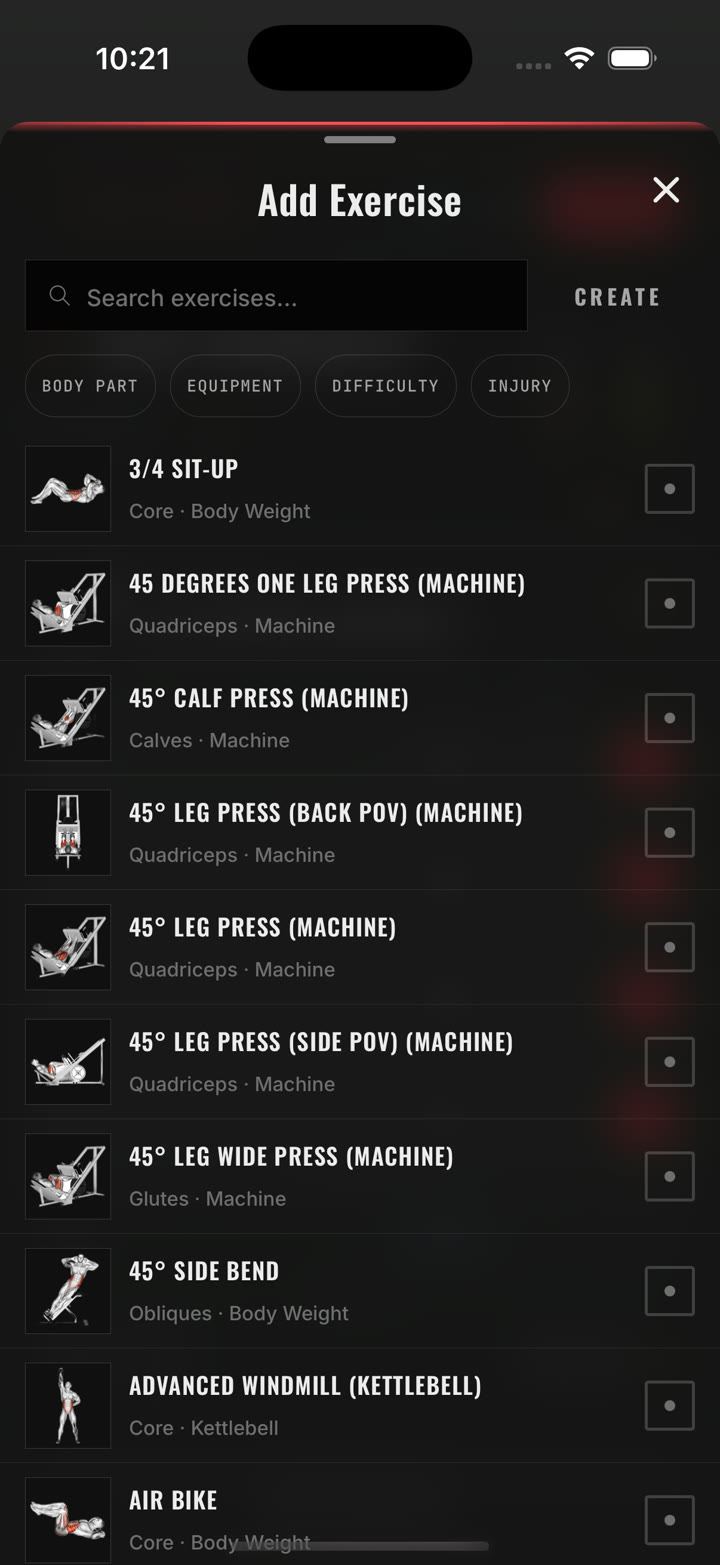
Search, filter, create
Search by name, or filter by body part, equipment, difficulty and injury. Every exercise has an illustration and its target muscles. Create your own when the library doesn’t have your gym’s oddball machine.
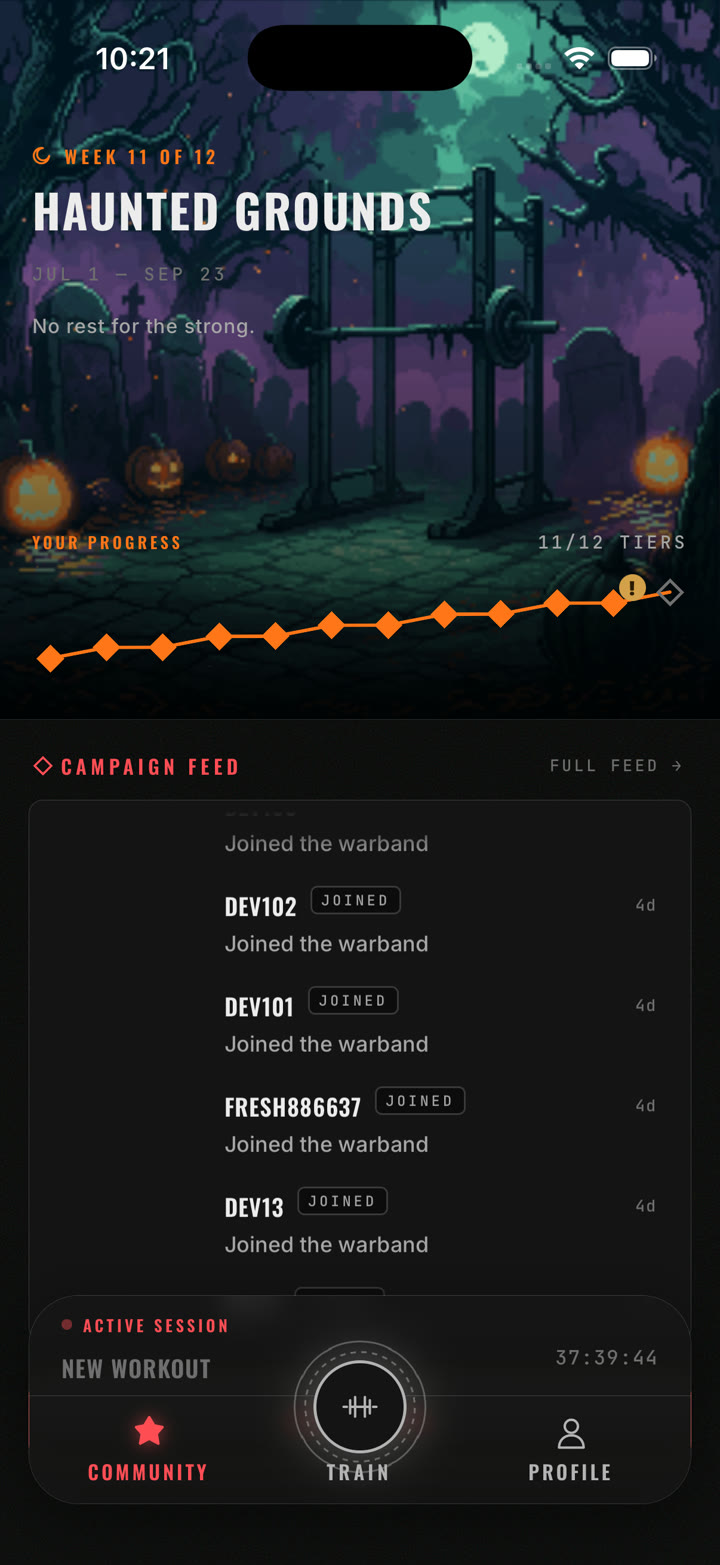
Twelve weeks, twelve tiers
Each season is a campaign with a name, dates and a ladder. Training climbs it. A free track pays out for everyone; the Pro track adds more. The campaign feed shows who joined the warband and the leaderboard shows where you stand.
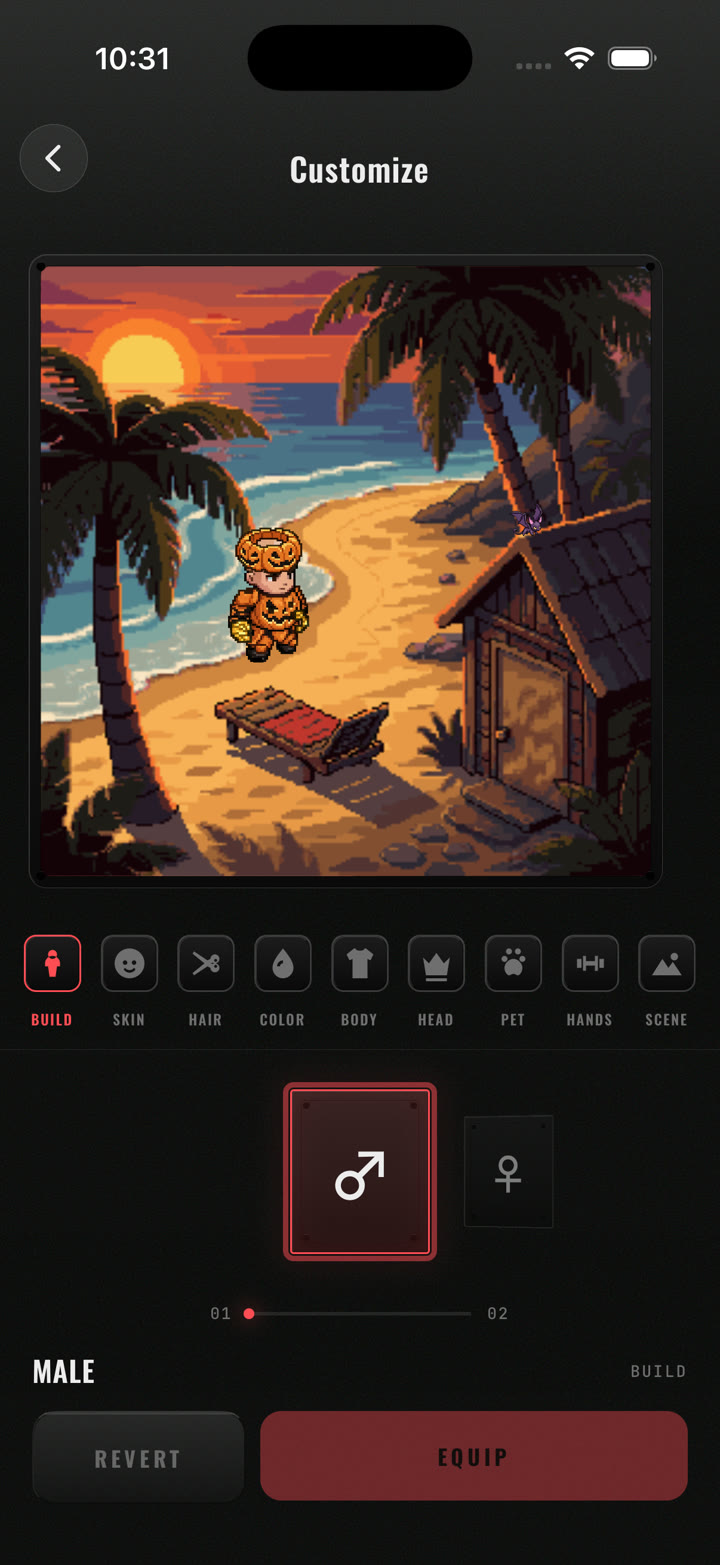
Build your lifter
Build, skin, hair, colour, body, head gear, pet, hand gear and scene. Preview, revert, equip. Gear arrives from seasons and specialization, and your Power Level climbs through Apprentice, Adept, Veteran, Champion and Legend.
Where you stand
Under the avatar: your momentum, which lifts are climbing and which need attention, your streak, the Strength Profile radar, and lift panels you choose, each with its e1RM trend, status and goal.
Set up once
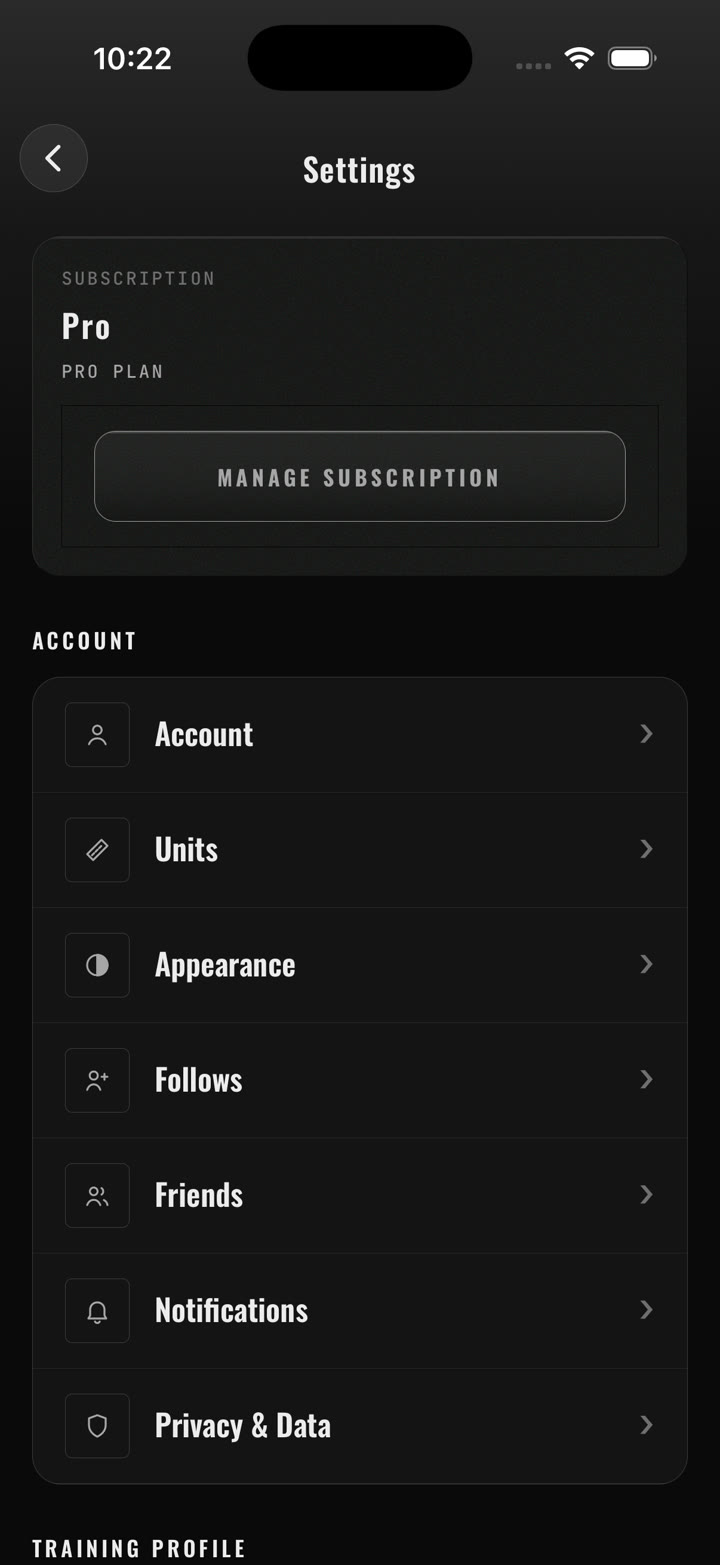
Height and weight, coach style, your gym’s equipment, injury limitations. Rest timers, effort tracking, warmup protocols, set defaults, sounds. Health Sync with Apple Health. Import your history from Strong, Hevy, FitNotes or any CSV.
The short version
| Platform | iPhone. Rest countdown as a Live Activity on the lock screen and in the Dynamic Island. |
| Units | Kilograms or pounds, your choice. |
| Set types | Warmup · working · drop · failure · superset, each with its own default rest. |
| Strength scale | Beginner · Novice · Intermediate · Advanced · Elite, per muscle group, normalized to bodyweight. |
| Muscle groups | Chest · shoulders · arms · back · legs · core. |
| Coach | Chat, program builder, workout builder, plan import (photo, text, link, PDF), mid-workout adaptation, weekly report. Pro. |
| Import | Strong, Hevy, FitNotes detected automatically; any CSV with column mapping. Free: last 30 days. Pro: everything. |
| Health | Apple Health: reads bodyweight, workouts, heart rate; writes finished sessions to the Activity ring. |
| Seasons | Twelve-week public campaigns, twelve tiers, free and Pro tracks, feed and leaderboards. |
| Avatar | Build, skin, hair, colour, body, head, pet, hands, scene. Power Level: Apprentice → Adept → Veteran → Champion → Legend. |
| Your data | Export or delete from inside the app. |